Product overview
On this page
Eresus Guard is used through Workbench, the workspace provisioned for your organization. There is no public self-signup. To request access, use the access form or email contact@eresussec.com.
#Start with the project that owns the work
In Project spaces, select or create the project for the authorized target or source repository. Keep scope, assessments, findings, and evidence in that project so the review has a clear owner.
#Set up before you run
Use Assessment setup to define either a network assessment or a repository-only source review. For network work, start from the project's reviewed authorization and included scope. For source analysis, select a connected repository and pin the revision to review.
Saving an assessment setup records its definition; it does not start a run. After saving, use the separate Start authorized scan or Start source analysis action when Workbench confirms that the current authorization and workspace checks allow it. A repository-only review does not test the deployed application.
Use Import traffic when you already have captured HTTP traffic or an API specification to add to the project. Importing evidence is separate from setting up a live assessment.
#Review the evidence
Follow saved network runs in Scan journal. Source analysis activity is available under Agent assessments. Review results in Findings register, then open associated HTTP records or out-of-band callbacks when they are present. A finding or callback is evidence to review, not a conclusion by itself.
#Find each work area
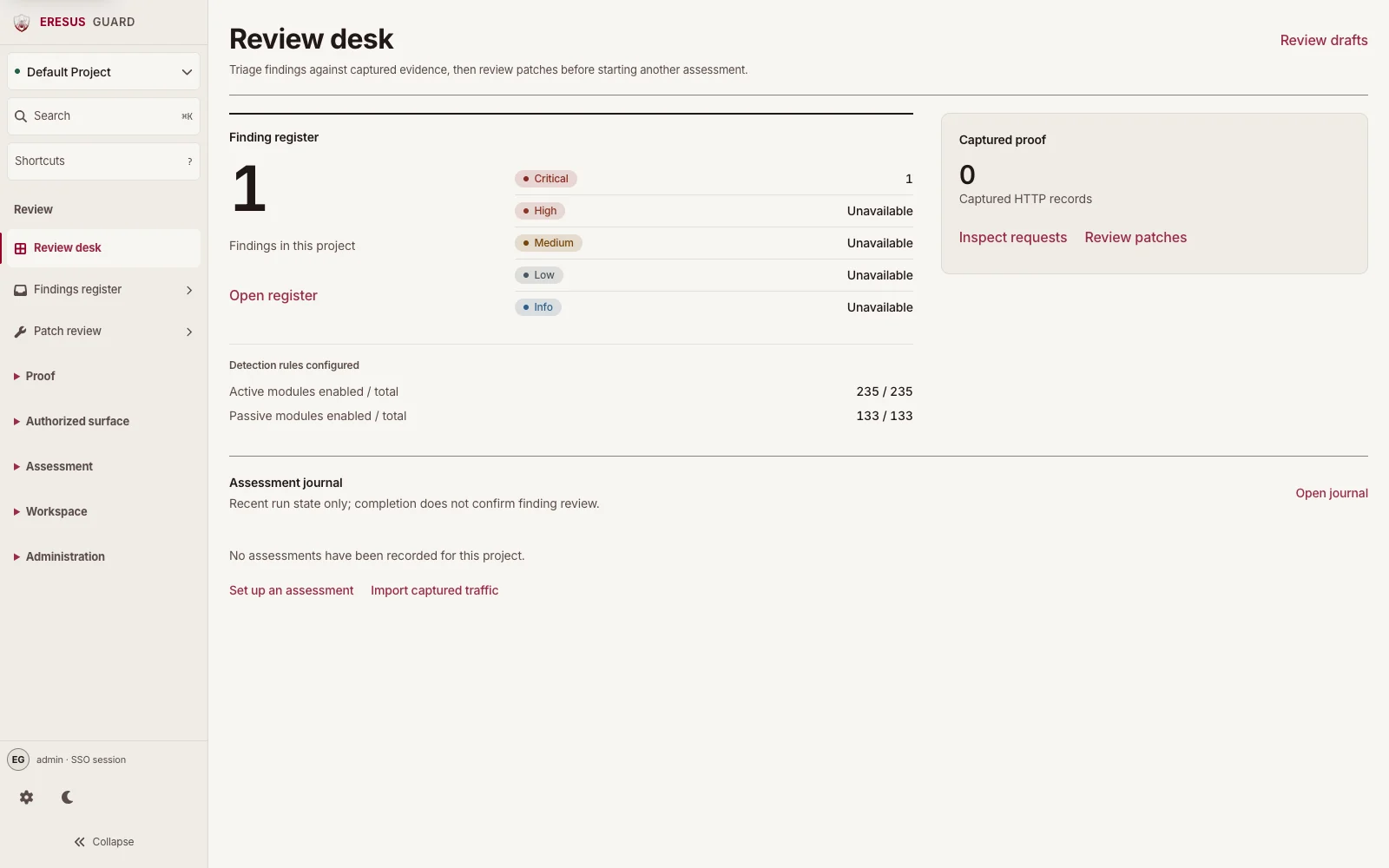
- Review: Review desk, Findings register, and Patch review.
- Proof: Captured requests (HTTP Records), Out-of-band callbacks (OAST), and Evidence exports.
- Authorized surface: Target authorization, Asset register, and Source repositories.
- Assessment: Assessment setup, Agent assessments, Scan journal, and Import traffic.
- Workspace: Project spaces, Detection rules, Scanner extensions, and Connections & settings.
- Administration: Access & audit for users, roles, authentication, and API keys. Some areas require administrator access.
#Continue
Need a workflow that is not documented here? Email contact@eresussec.com.