Projects and scans
On this page
Assessments run from the Workbench workspace provisioned for your organization. If your organization does not have a workspace, request access by emailing contact@eresussec.com. There is no public self-signup.
#Projects keep assessment records together
A project holds its authorized targets, source repositories, assessment runs, findings, HTTP Records, OAST callbacks, and exports. Open the project that owns the target before you set up work.
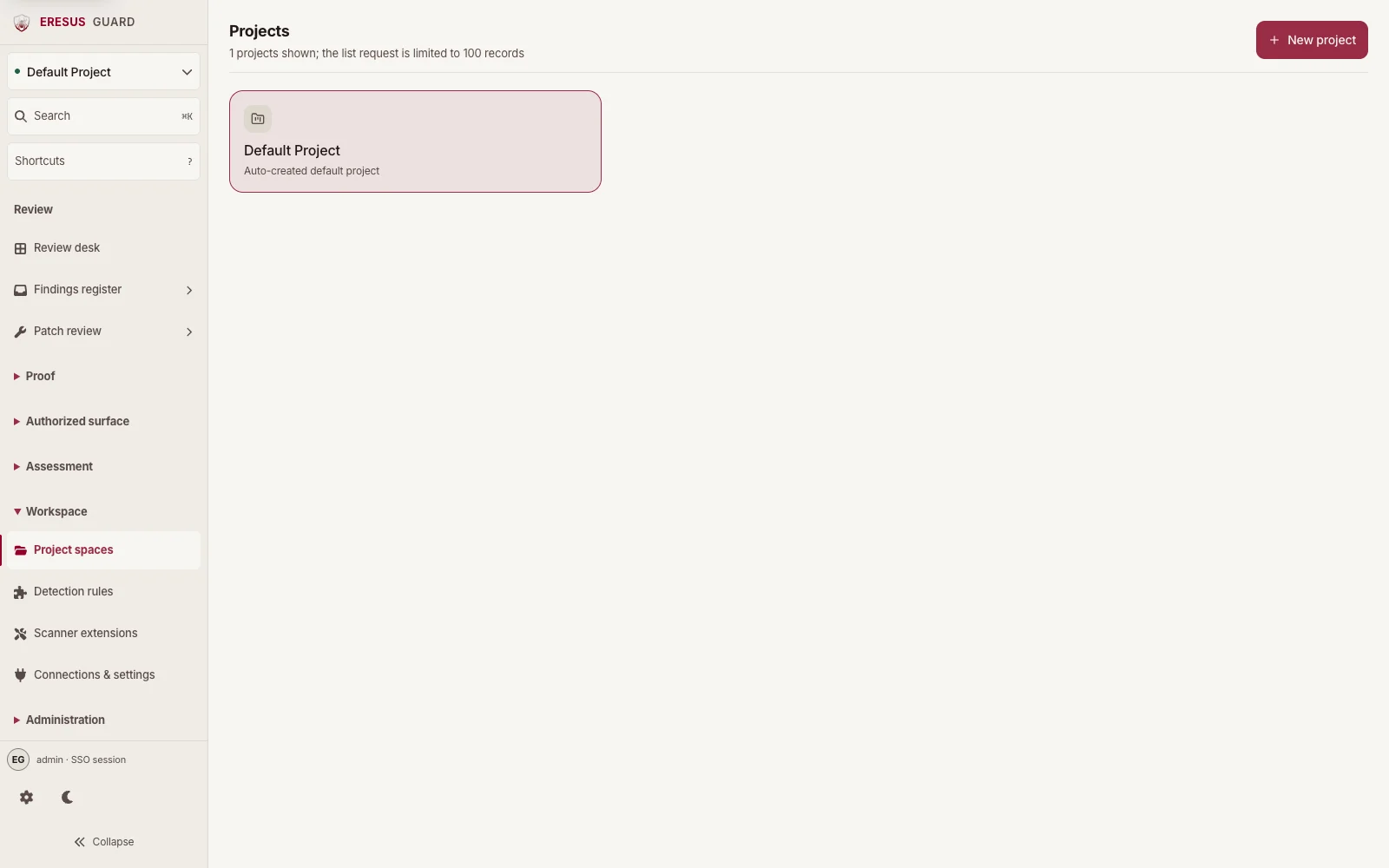
A URL discovered during an assessment is an observation, not permission to test it. Add a new target only after the owner has authorized it and the project scope has been updated.
#Set up and start an assessment
- Open the project in Workbench.
- Open Assessment setup and choose the network target or source-only repository path covered by your authorization.
- For a network assessment, confirm the target, existing authorization, included scope, test identity references, allowed domains, exclusions, and safety limits. For source-only work, select the approved repository and pinned commit. A repository connection does not authorize network testing.
- Review the setup summary. Saving records the setup; it does not start an assessment.
- Use the separate run action only after the current setup and authorization checks pass and you have confirmed the target is approved.
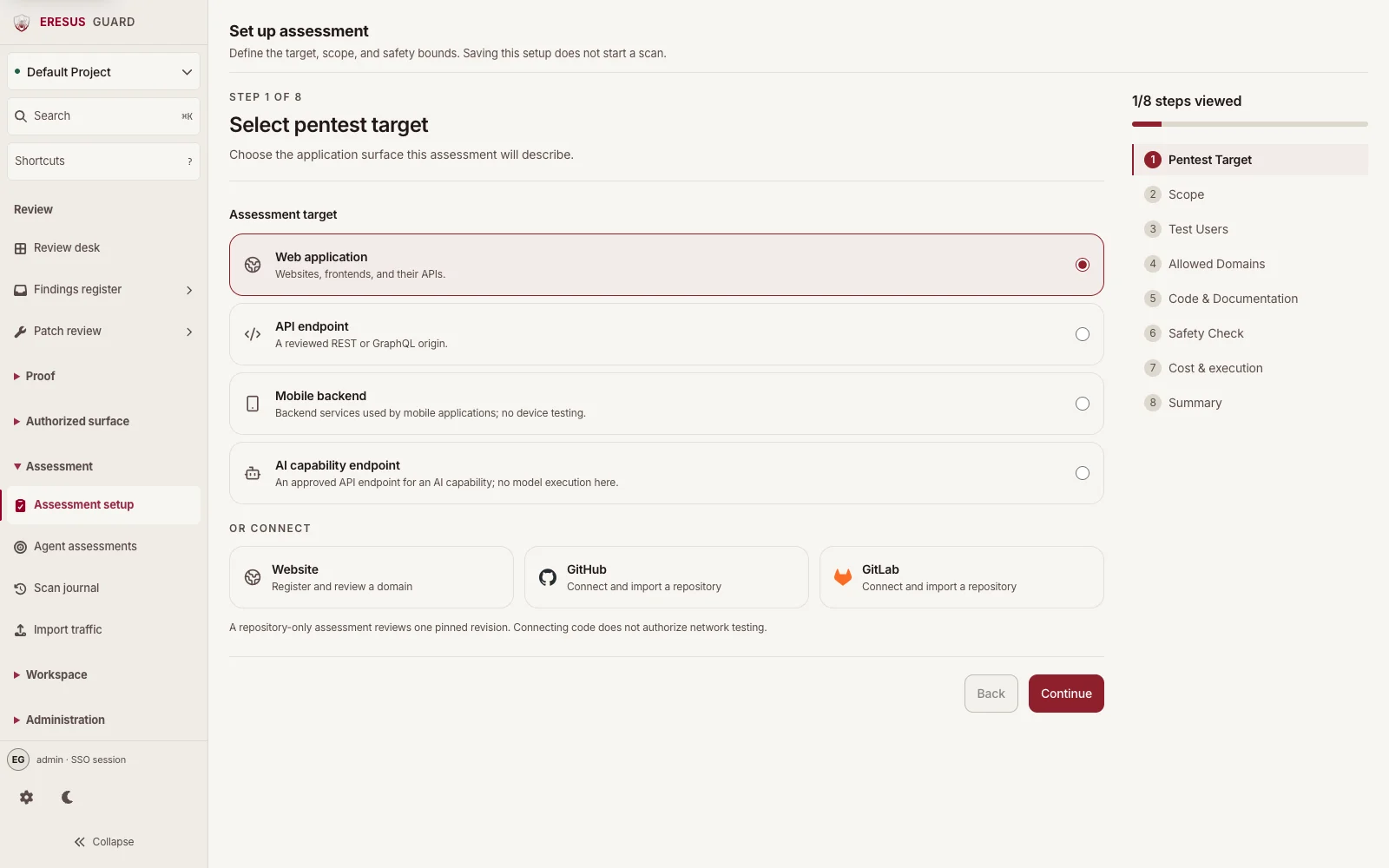
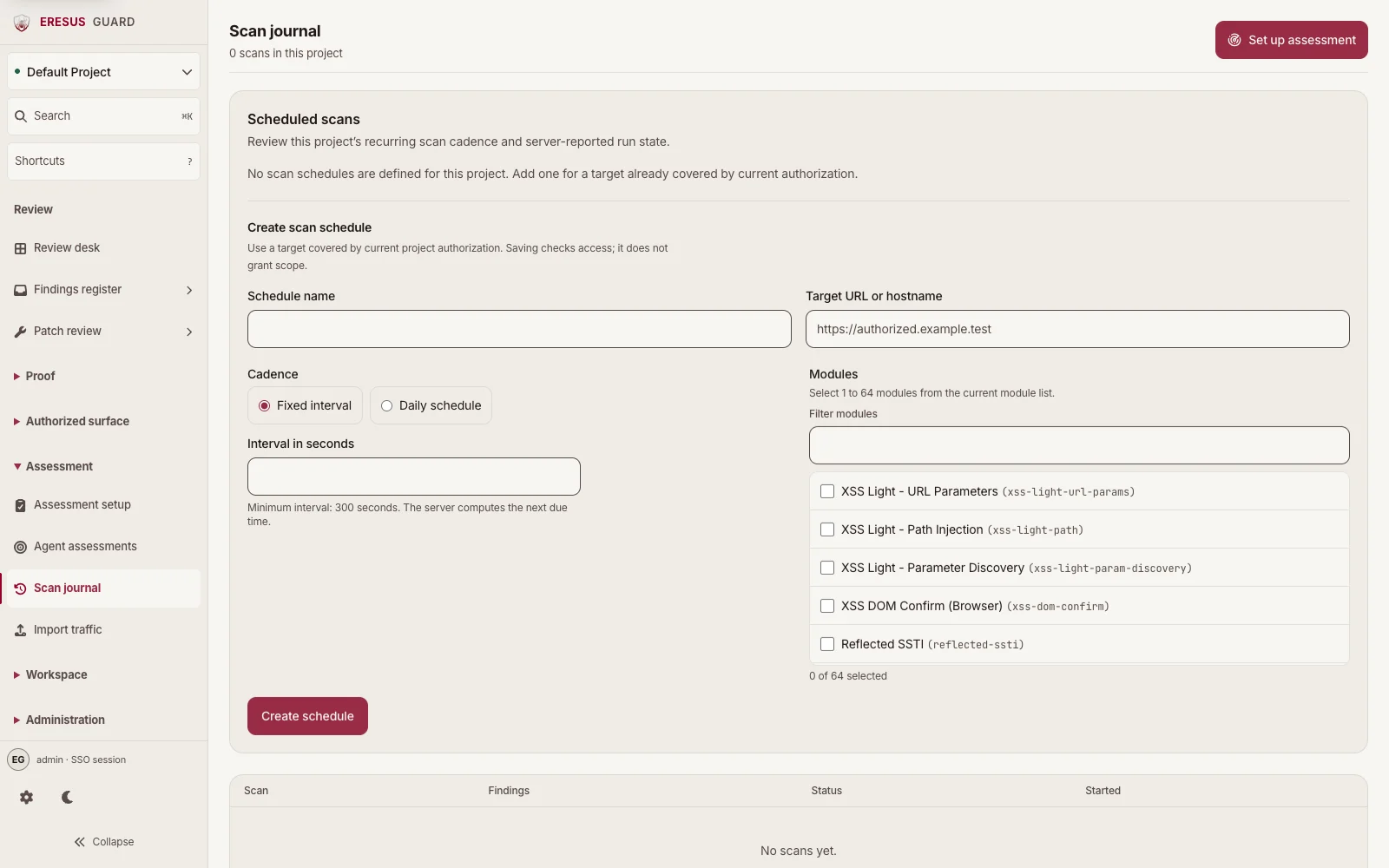
During a run, use Scan journal in the project to follow its status. After it finishes, open Findings register to review results and their supporting records.
#Review a completed assessment
Check the run status and finding count first. Then review each finding in the context of its project and authorized target. Open linked HTTP Records or OAST Interactions when those records are available. See Findings and evidence for a review checklist.
#Related guides
Need a workflow that is not documented here? Email contact@eresussec.com.