Review code and web findings in Eresus Workbench.
Set up authorized assessments, inspect source or captured HTTP evidence, and decide what needs review.
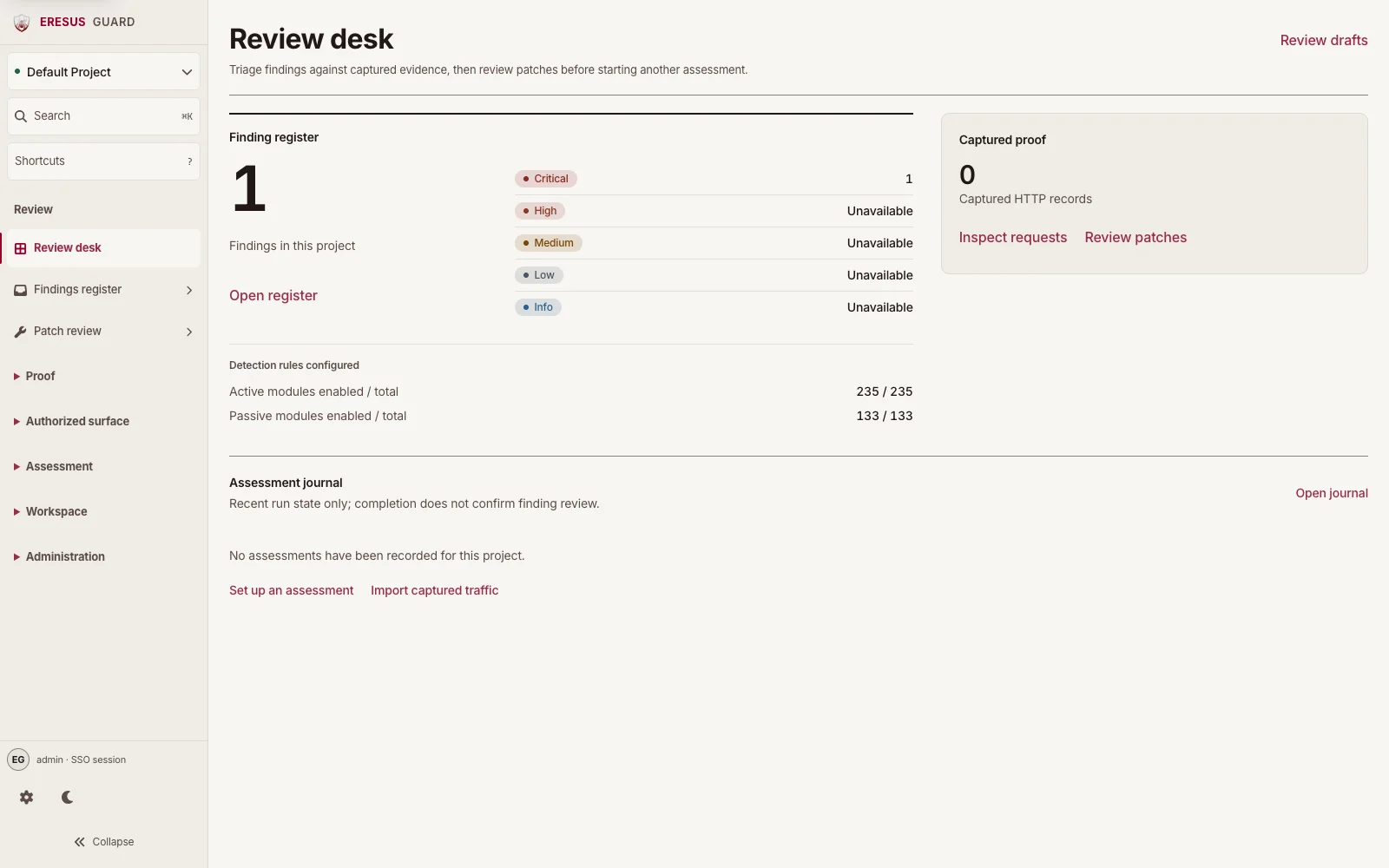 Open the interactive demo
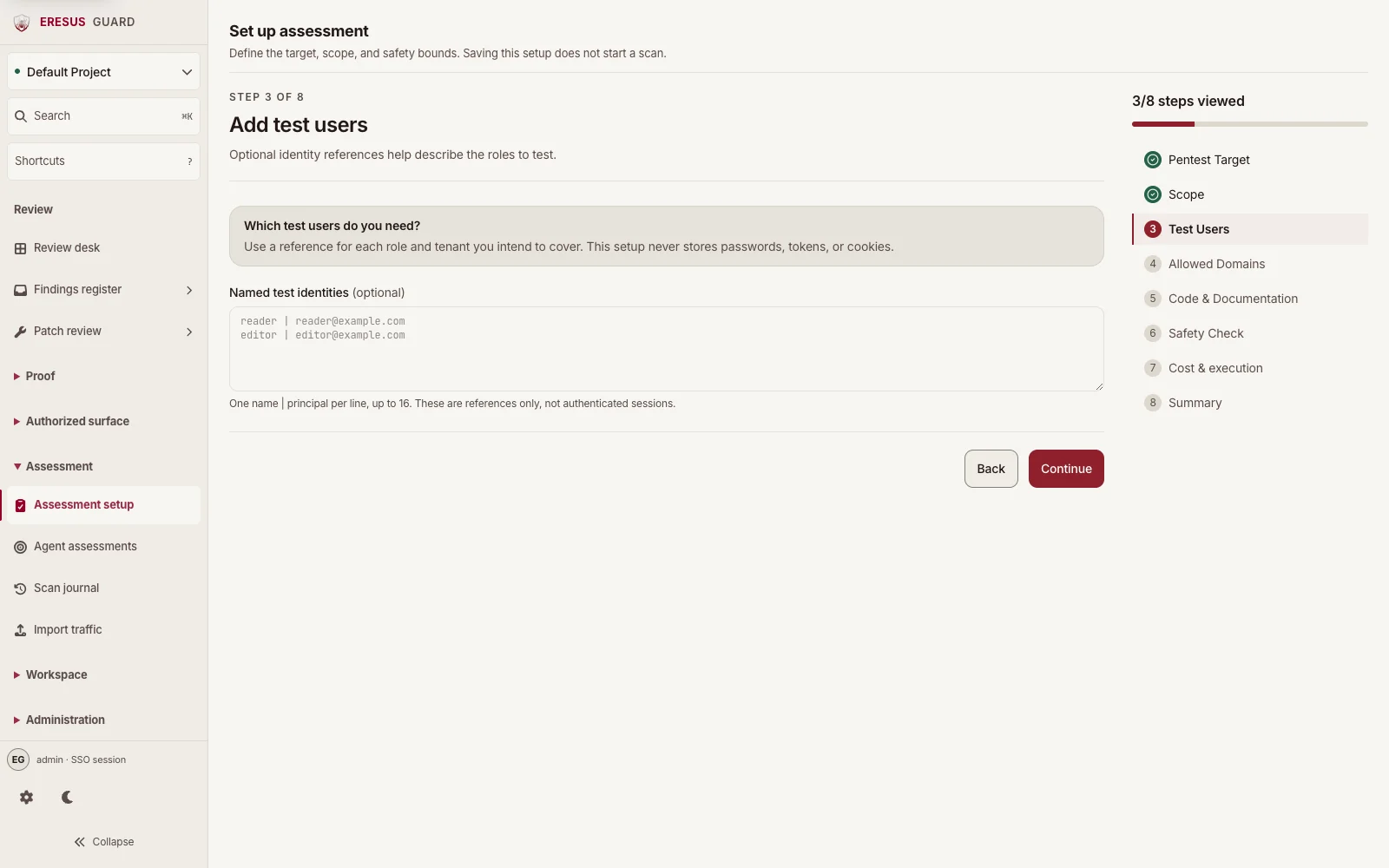
Set up an assessment in Workbench.
Choose the project, authorized target, scope, and safety bounds. Saving the setup does not start a scan.
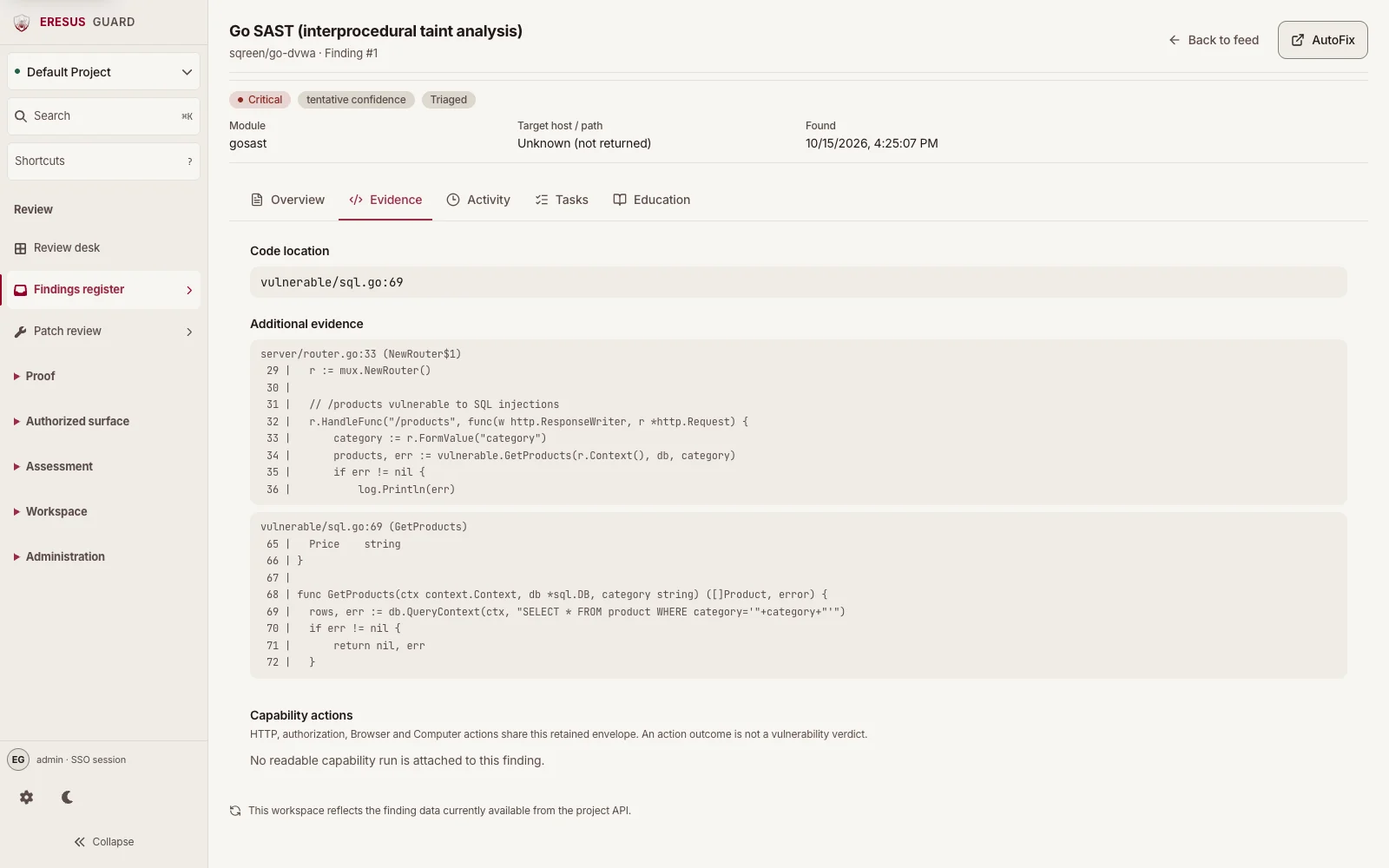
Inspect the source behind a SAST finding.
This Go SAST result comes from an authorized analysis of the intentionally vulnerable sqreen/go-dvwa repository. The current Evidence tab shows the original source and sink excerpts. It is not an HTTP exploit or an agent-confirmed result.
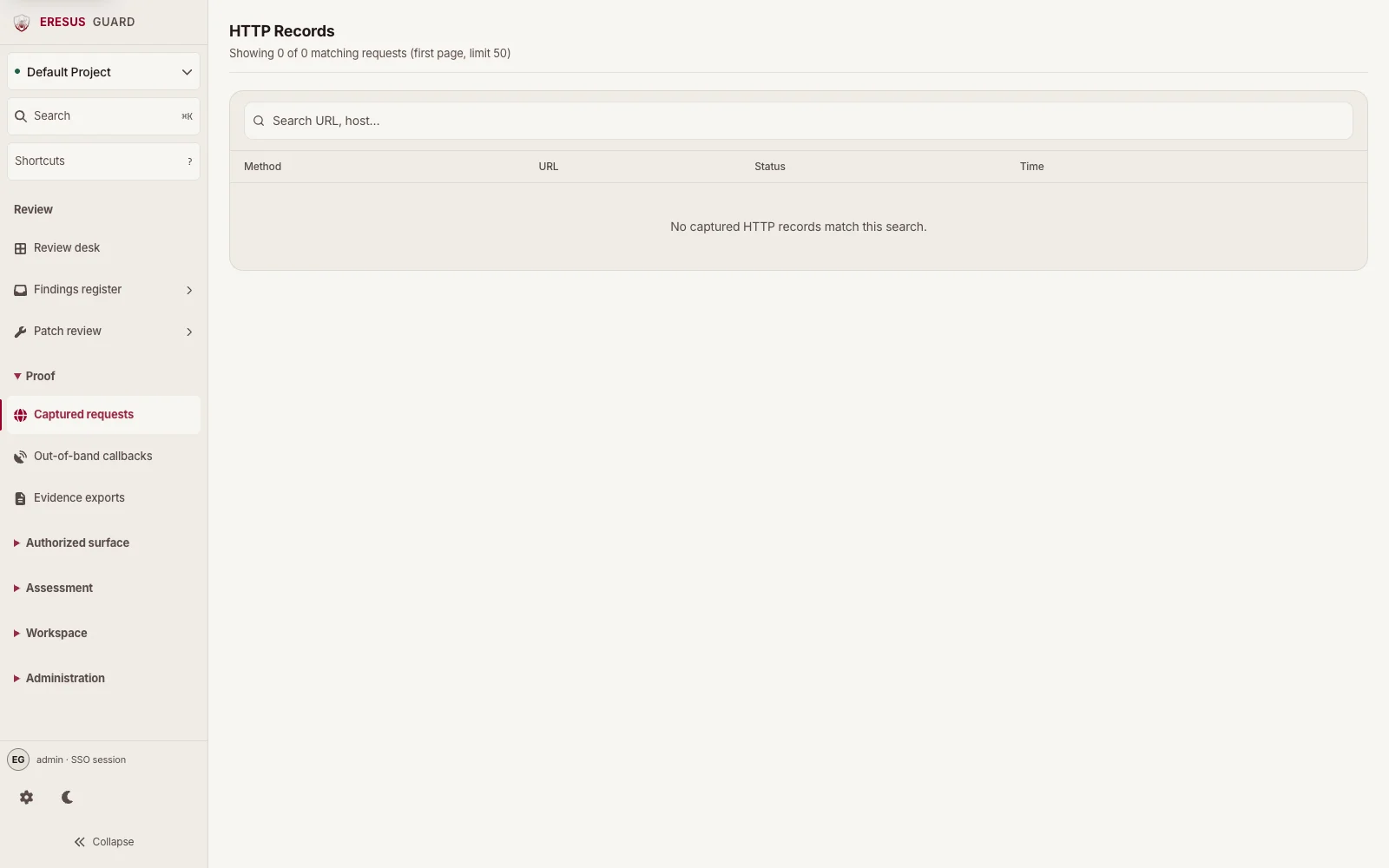
Review captured requests in HTTP Records.
Search HTTP Records by URL or host, then review each request's method, URL, status, and time.
The screens your team actually uses.
Every screen belongs to the same Workbench workspace: the register, the captured proof, the detection rules, and the project that owns them.
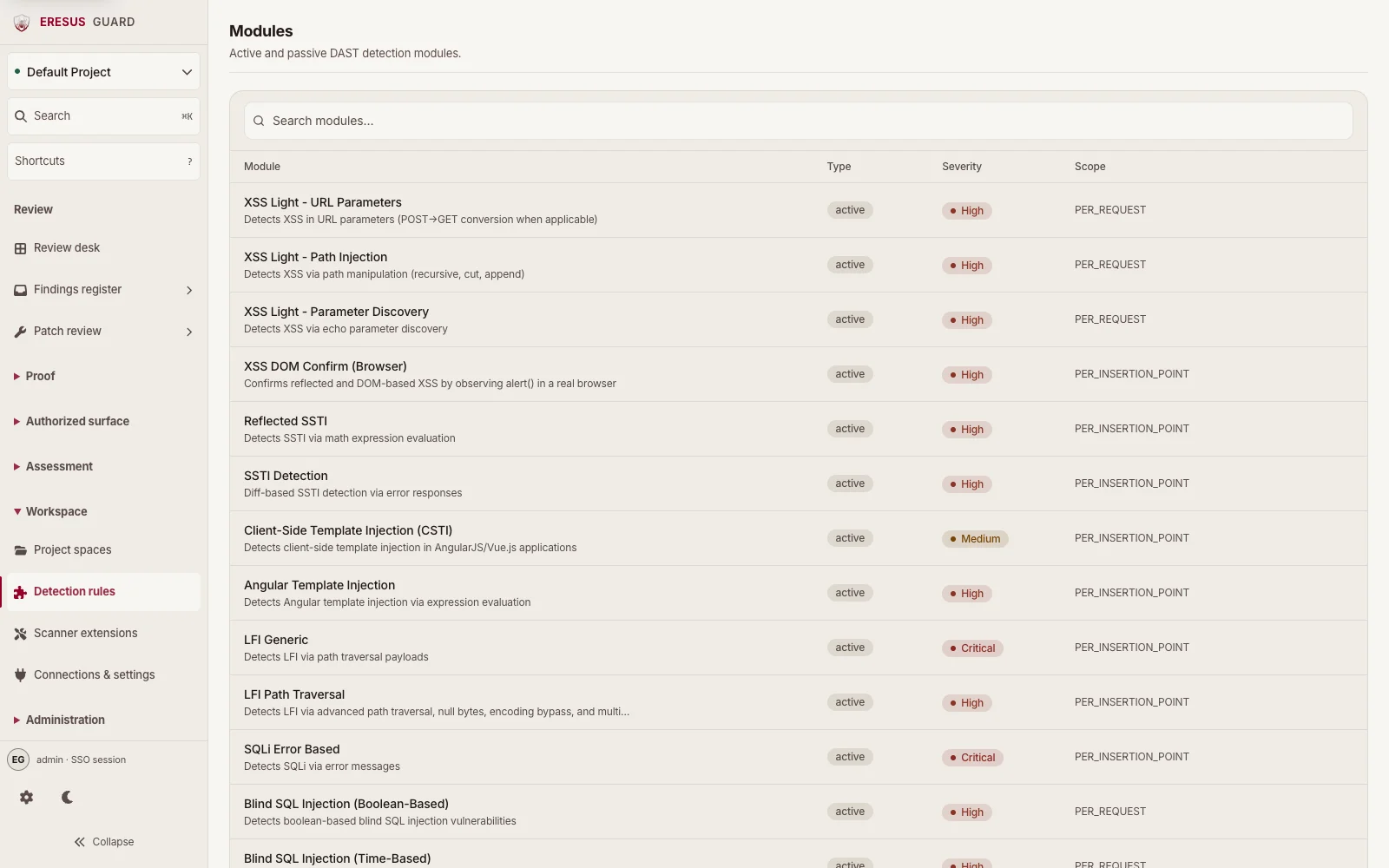
Detection rules
Active and passive DAST modules available in the project.
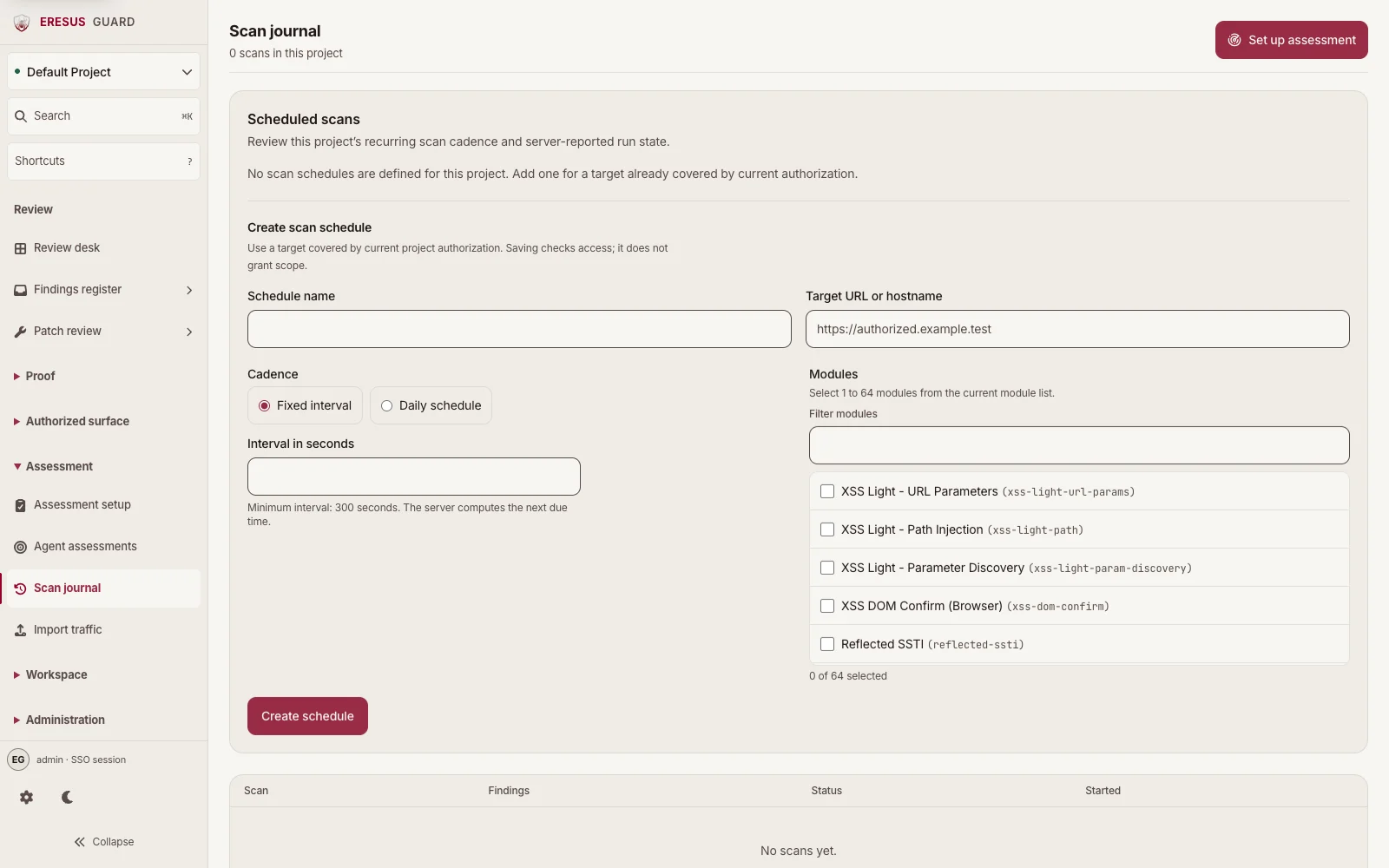
Scan journal
The project's scan records, finding counts, status, and start time.
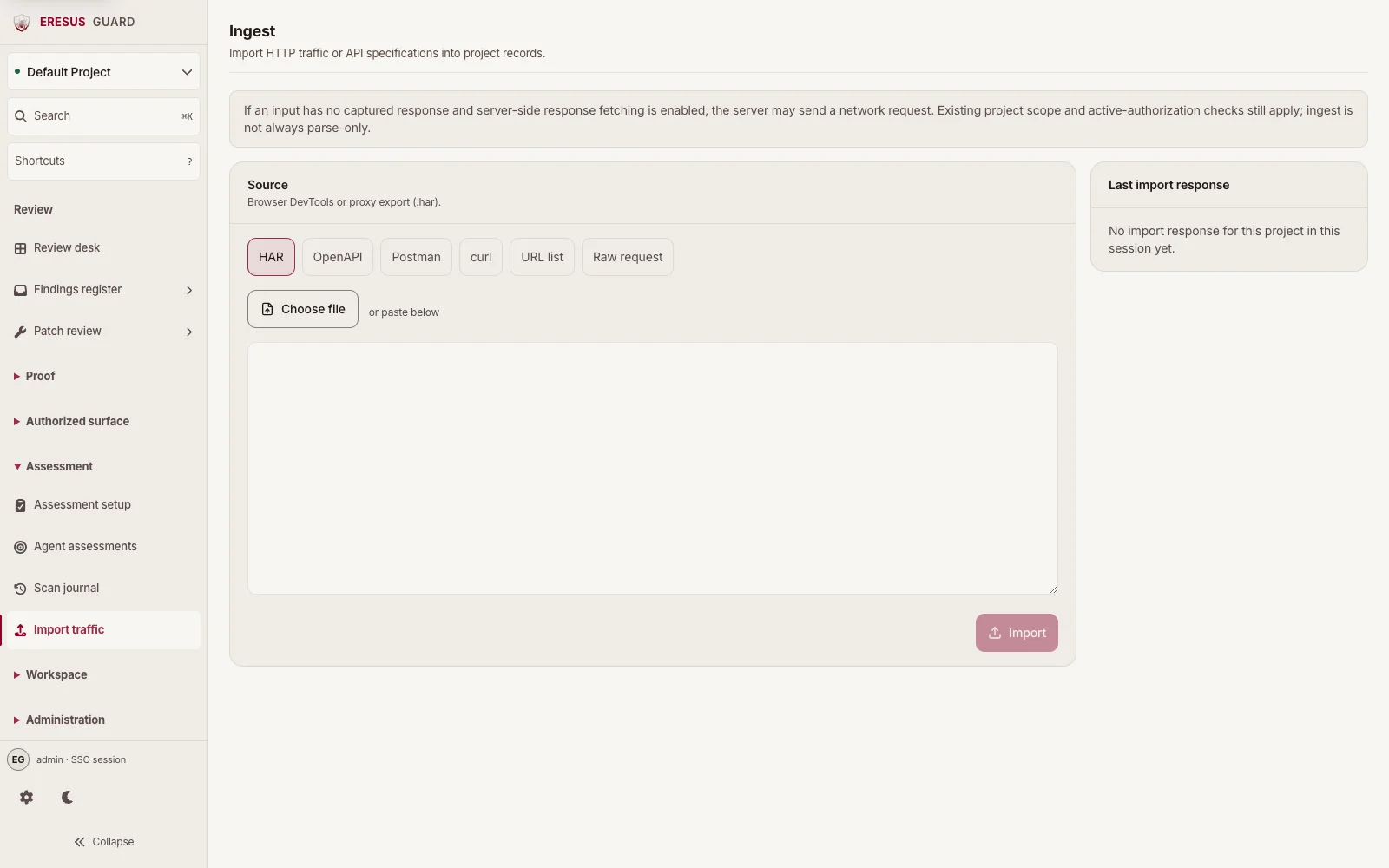
Ingest
Add approved API requests and specifications for testing.
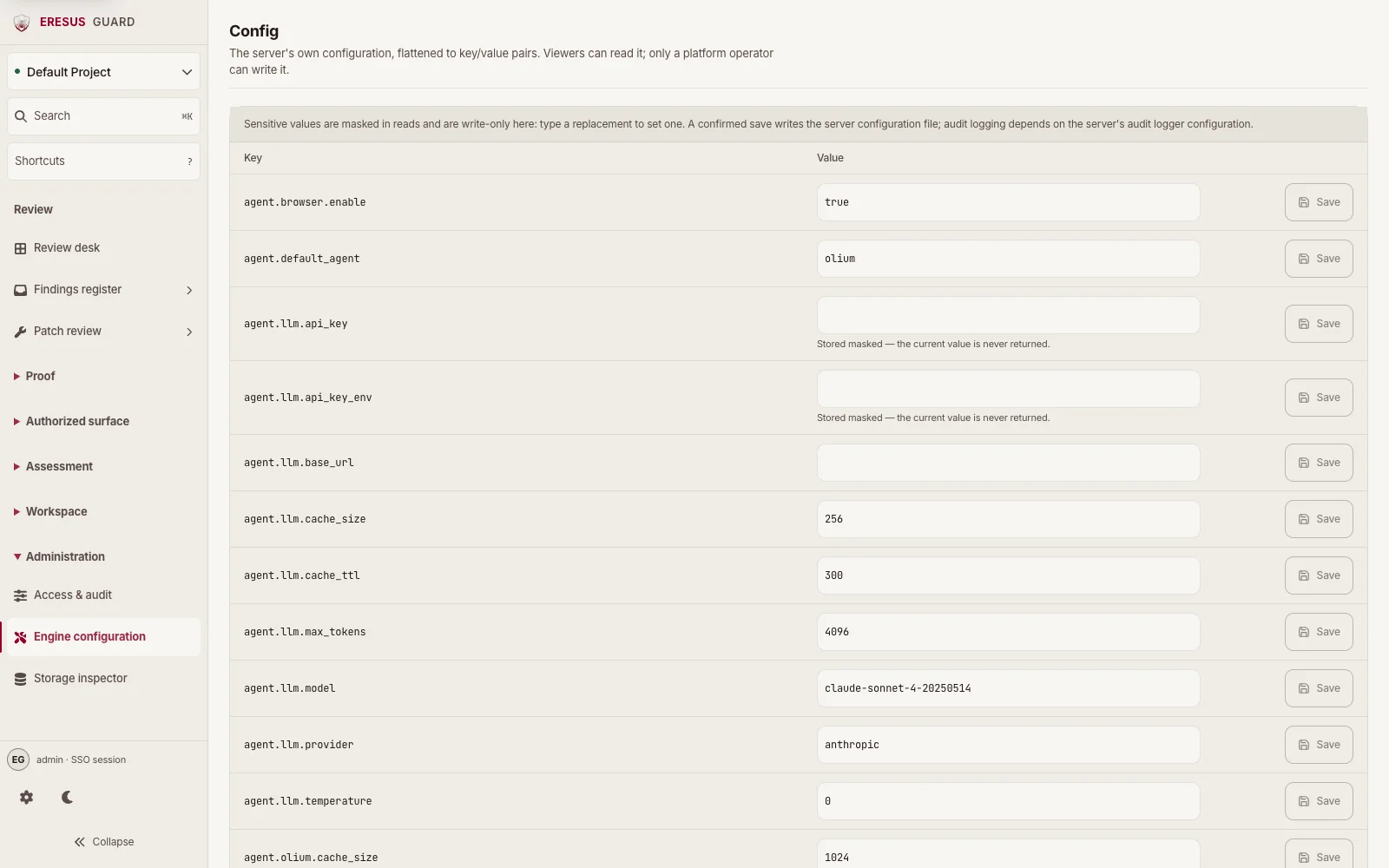
Configuration
Workbench Settings and Engine configuration.
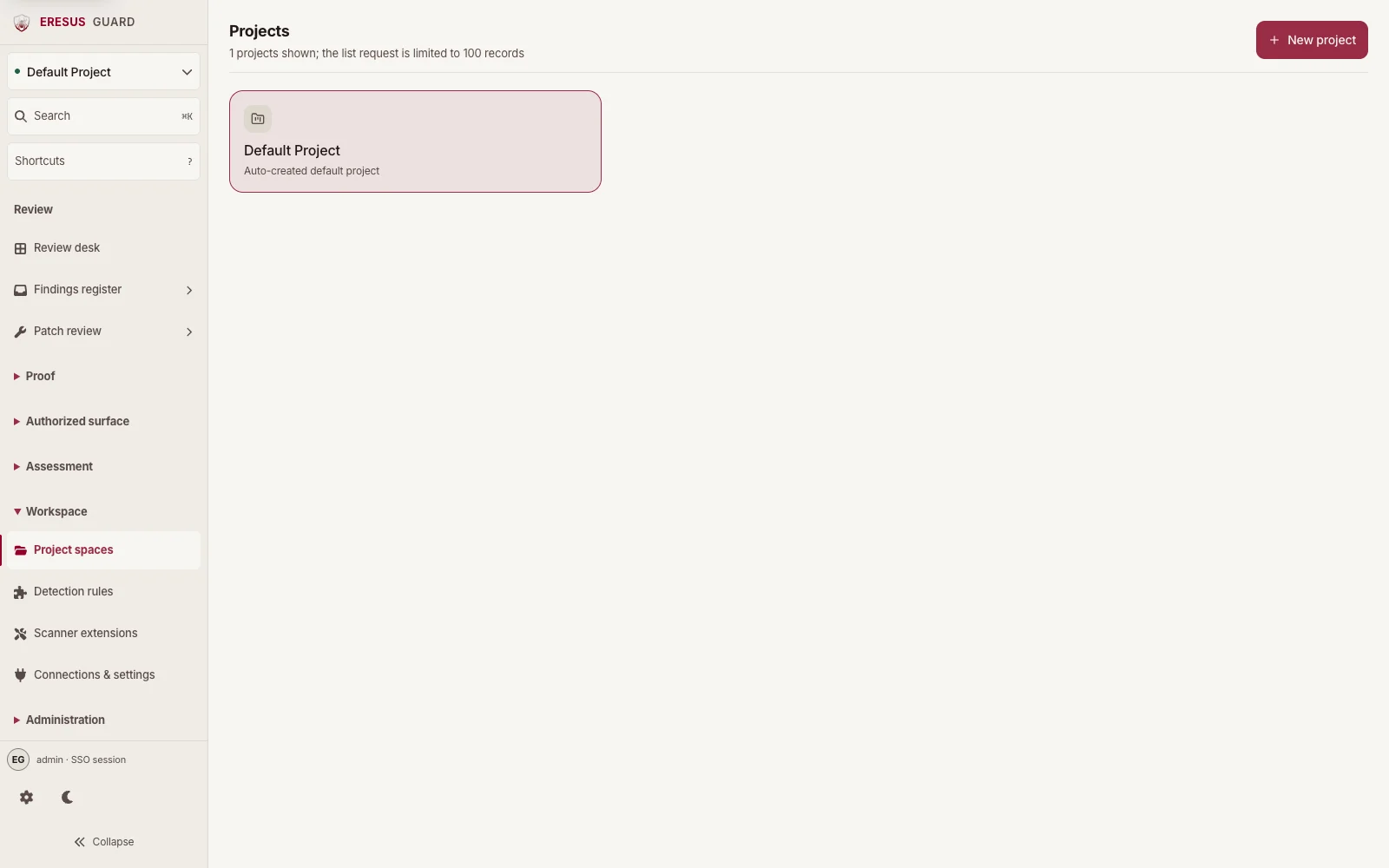
Projects
Project spaces for organizing assessment work.
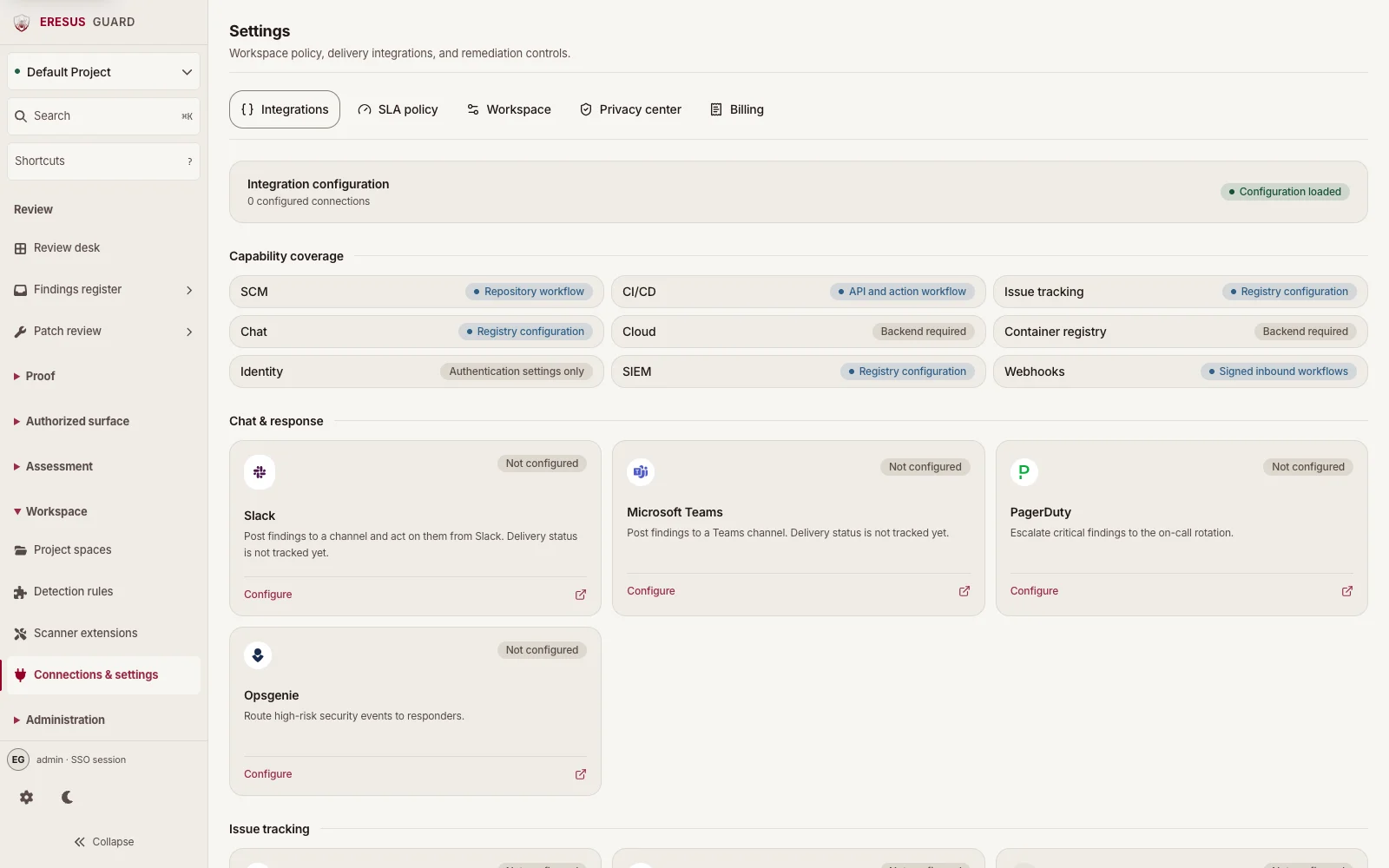
Connections & settings
Workspace policy and integration configuration.
Three steps. Then the workspace.
- 1
Request a workspace
Send the organization and the apps. We open Workbench for that team.
- 2
Sign in
Password login on every plan. SSO (OIDC/SAML) is Enterprise.
- 3
Set up an assessment
Choose a project and authorized target, then review scope and safety bounds. Saving the setup does not start a scan.
Read the docs before the first assessment.
Browse all docs →- Product overviewWhat Workbench covers, who it is for, and where access begins.
- Workbench tourReview desk, Projects, Assessment setup, Scan journal, and Findings.
- First authorized assessmentFrom approved scope to a saved result your team can review.
- Findings and evidenceRead findings beside HTTP Records and OAST Interactions.
Current source catalog. Counts change as modules are added, replaced, or retired.
Request a Workbench workspace.
Professional, Business, Enterprise, or MSSP. Scanning and review happen in Workbench.