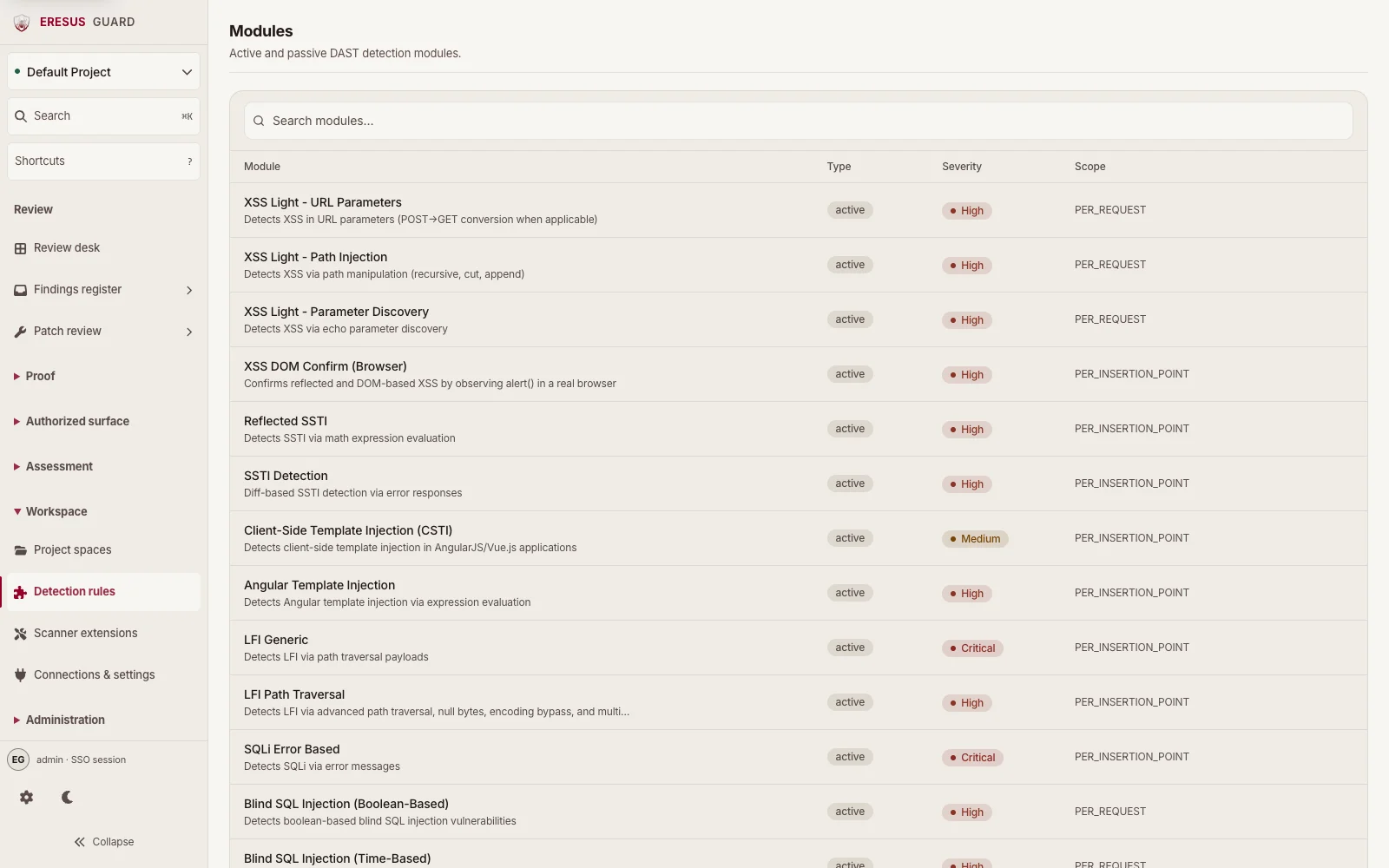
Surfaces AppSec actually runs, in one Workbench.
Scanning and triage happen in Workbench and through the API. Each surface writes into the same project, evidence, and administration model.
DAST
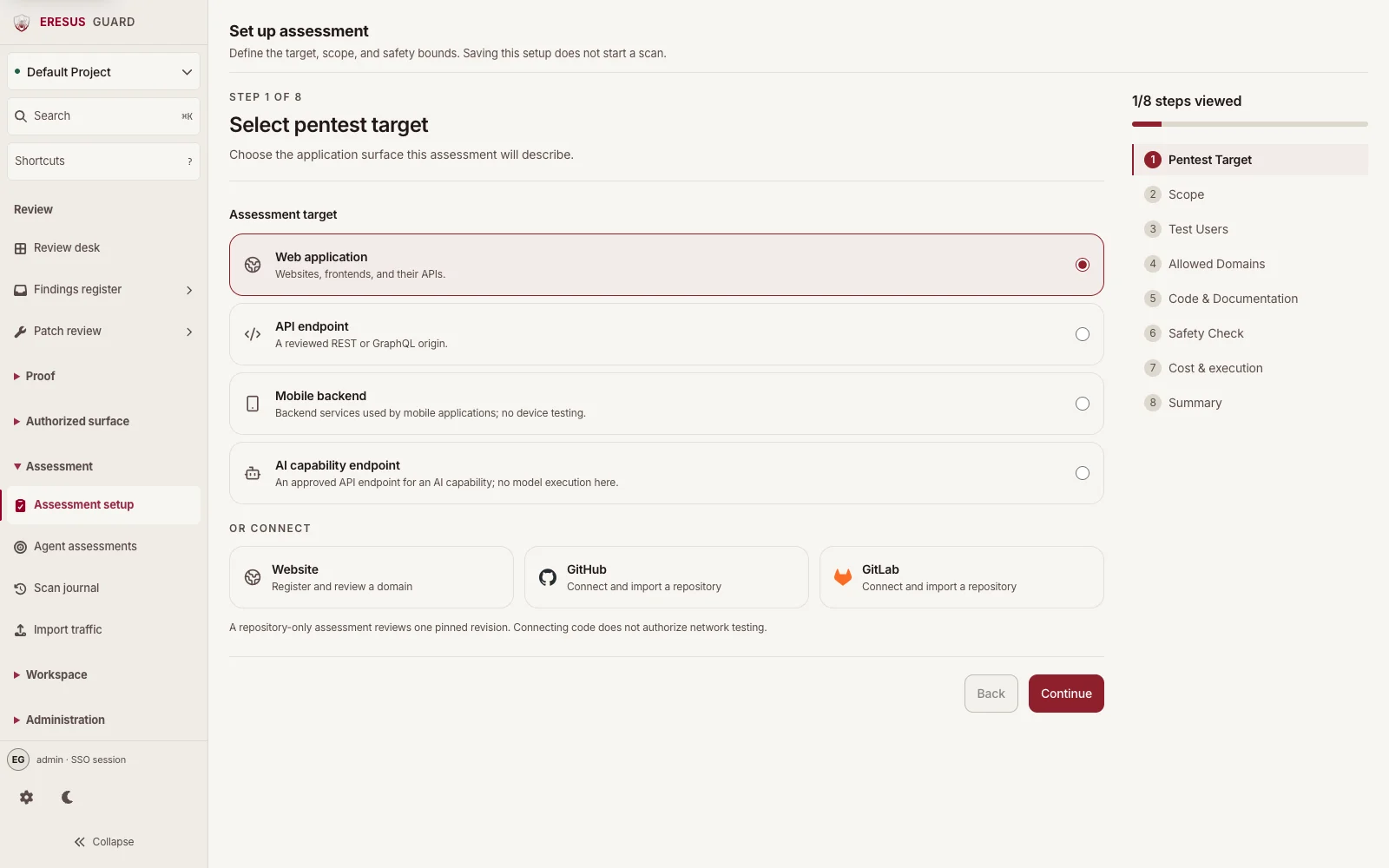
Run authorized web and API assessments.
Start from an approved target and keep scope, authentication, findings, HTTP Records, and OAST Interactions with the assessment.
- Inputs: Approved URL, URL list, HTTP request and response, OpenAPI definition, or Postman collection.
- Review evidence: Findings include captured HTTP Records and OAST Interactions when those records are available.
- Availability: Professional and higher
SAST
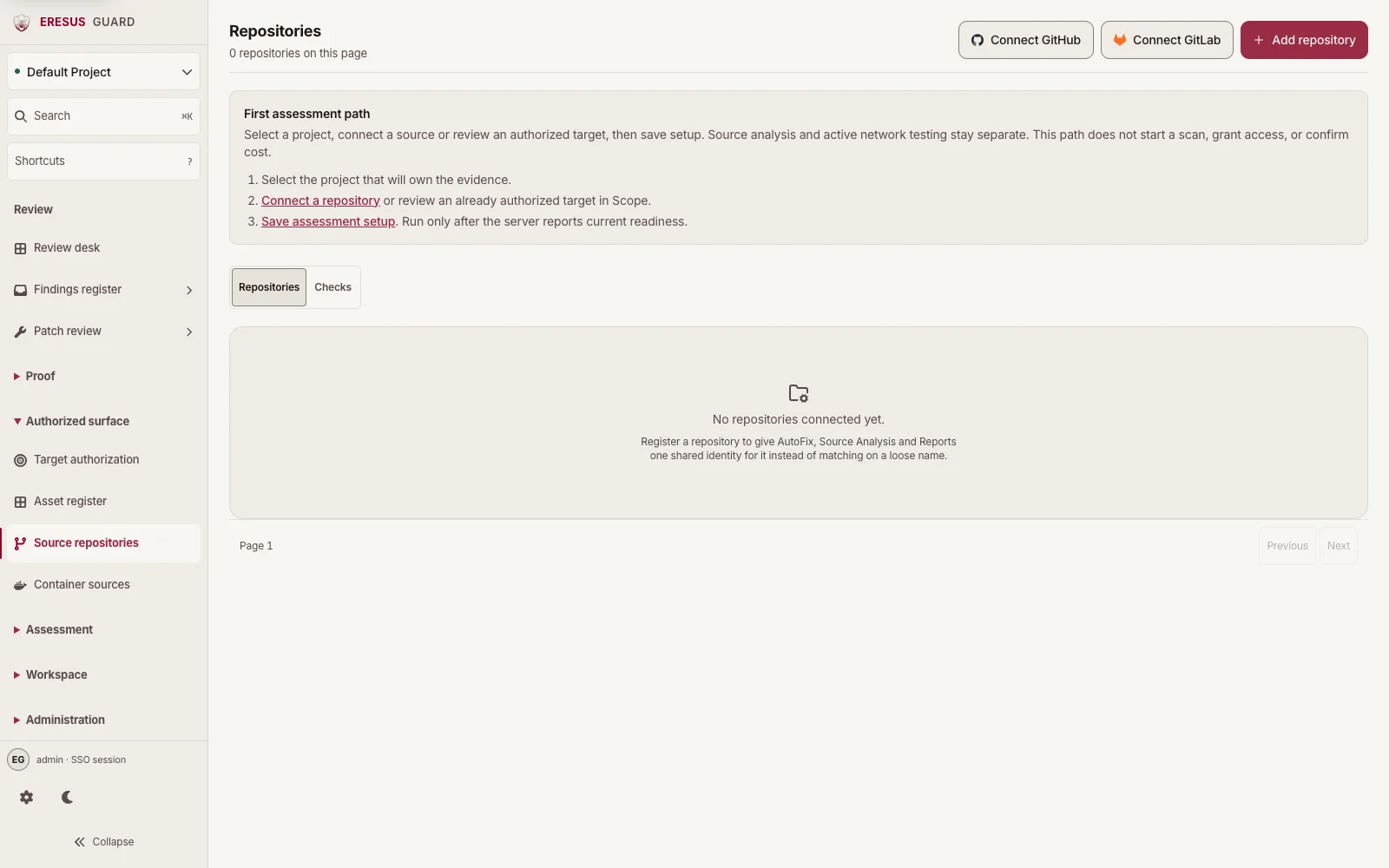
Connect a source repository in Repositories.
Connect GitHub or GitLab, or add a repository in Repositories. Select the connected source in the Code & Documentation step of Assessment setup. Source analysis stays separate from active network testing.
- Inputs: A connected repository in the active project.
- Review evidence: Candidates cite a file, line, and source snippet before they enter review.
- Availability: Professional and higher
SCA
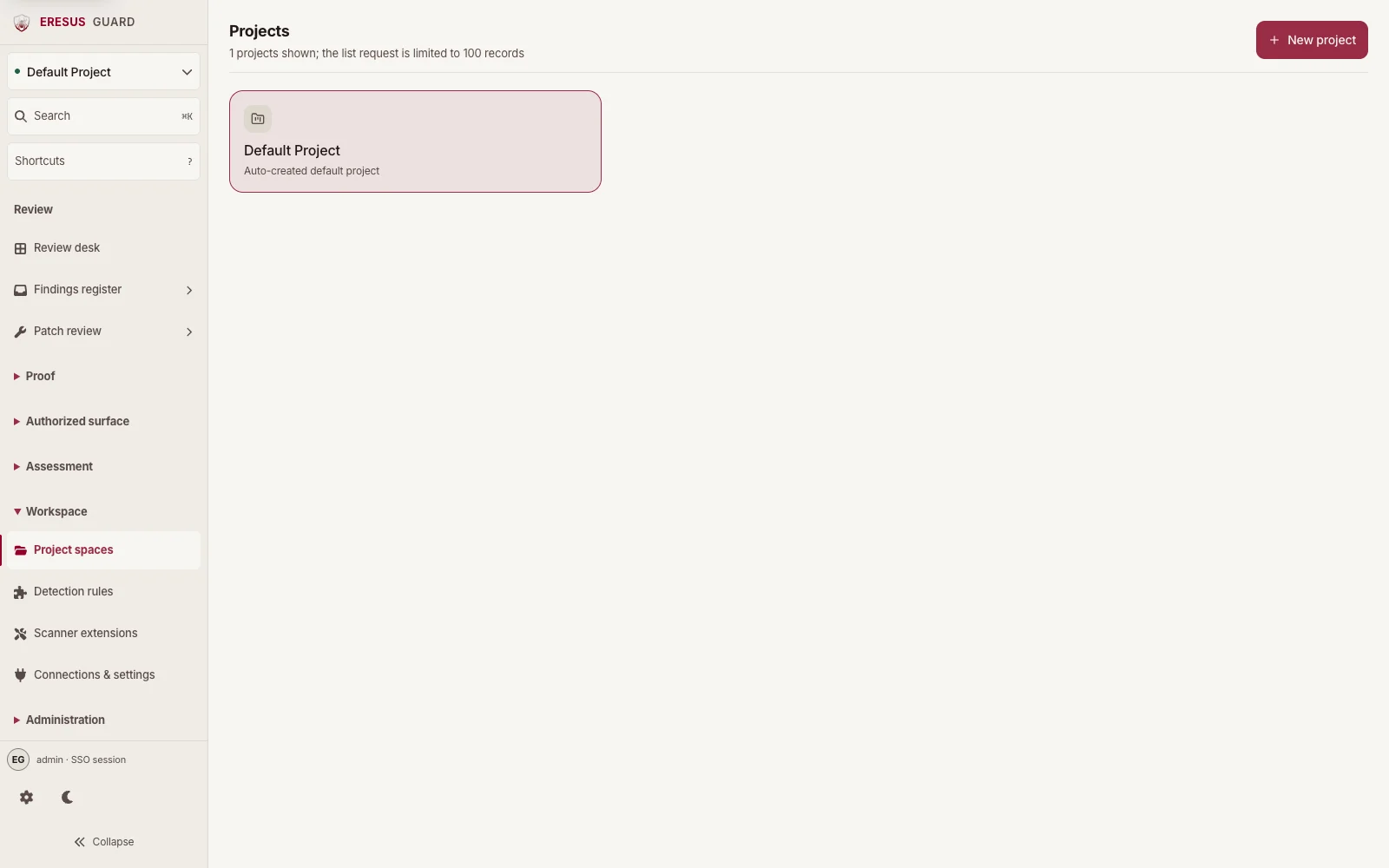
Choose a project for dependency review.
Projects lists the spaces that own assessment work. Select the project that holds the source and package metadata for dependency review.
- Inputs: Project source with dependency manifests and lockfiles.
- Review evidence: Review the affected component and associated finding in Workbench before exporting a result.
- Availability: Professional and higher
IaC
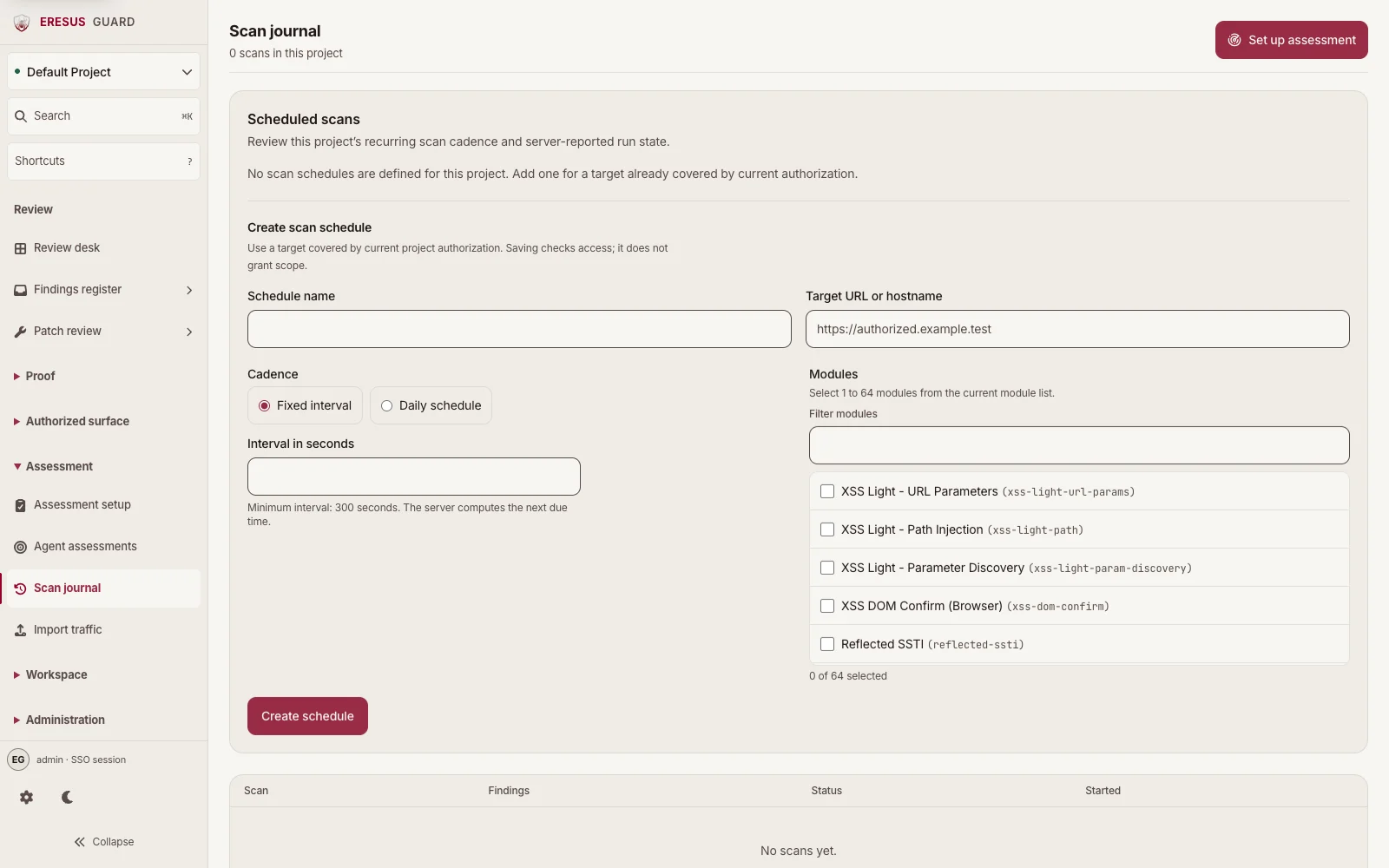
Review saved assessment records in Scan journal.
Scan journal lists project scan records, finding counts, status, and start time. Open a finding to inspect its infrastructure or CI source context.
- Inputs: Infrastructure and CI configuration files included in the project source.
- Review evidence: A configuration finding remains tied to the project and source context used for its review.
- Availability: Professional and higher
Secrets
Choose the project that owns credential review.
Select the project that owns the authorized source and artifacts, then review credential-like matches with the owning team.
- Inputs: Authorized code, configuration, and project artifacts.
- Review evidence: Inspect the code location and additional evidence with the owning team before treating a match as proof of impact.
- Availability: Professional and higher
Agent
Review detection modules before agent-assisted follow-up.
Modules lists active and passive DAST detection modules. Agent-assisted follow-up stays within the project authorization boundary and requires operator review.
- Inputs: An authorized project, its approved target or source, and the workspace feature entitlement.
- Review evidence: Promoted findings still require reviewable evidence from concrete assessment work.
- Availability: Business and higher