Run authorized web application assessments.
Workbench keeps the target scope, authentication settings, findings, HTTP Records, and OAST Interactions with each authorized web or API assessment.
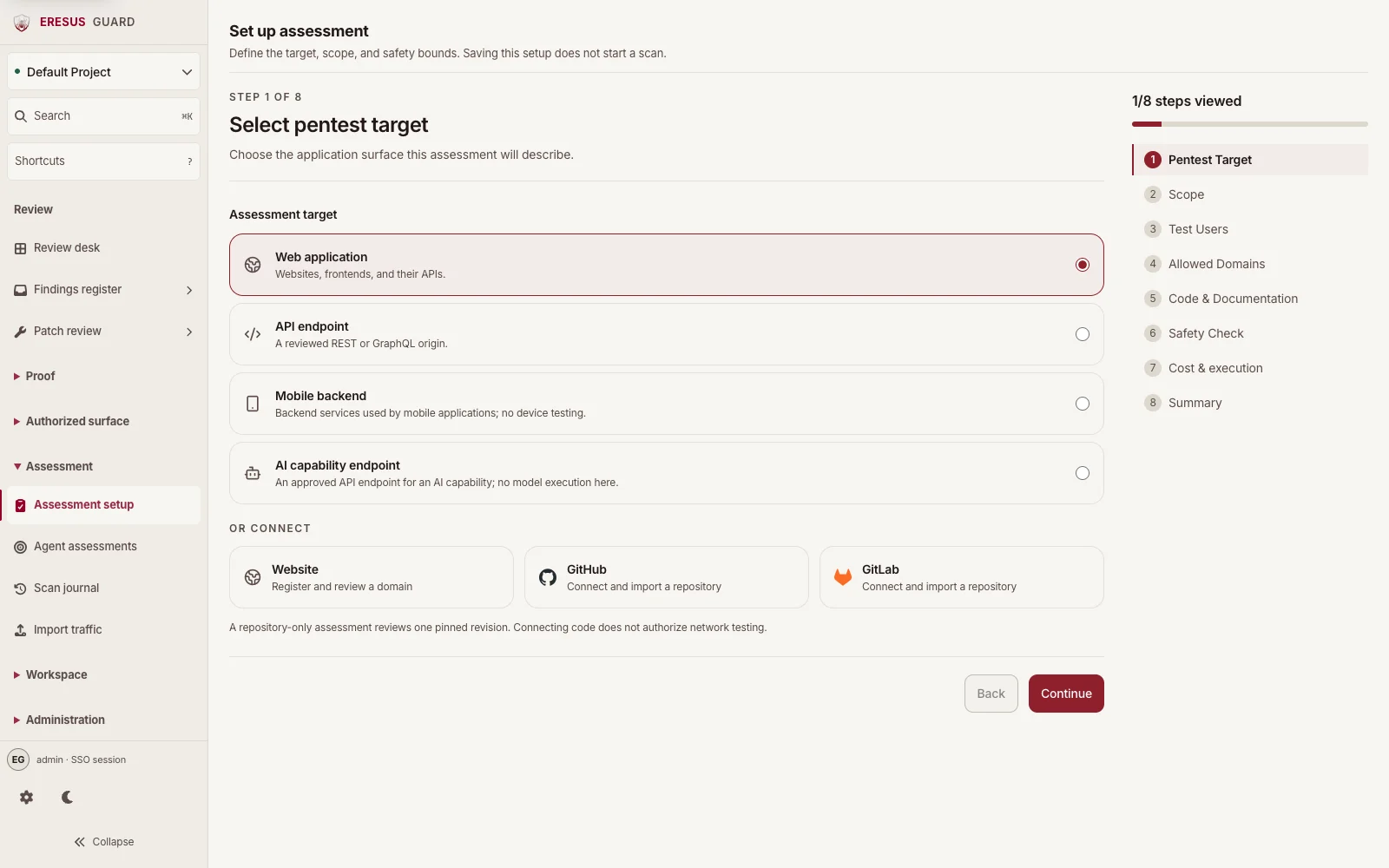
Set the target and scope in Assessment setup.
Choose the project, set the authorized target, and review scope and safety bounds in Assessment setup. Saving the setup does not start a scan.
Review a finding with its supporting request and response.
Review findings beside the HTTP Records and OAST Interactions captured during an assessment. These records help reviewers assess a result before remediation.
Three steps from approved scope to a reviewable result.
- 1
Confirm the authorized project and target.
- 2
Review Test Users, Allowed Domains, Code & Documentation, and Safety Check as the setup requires.
- 3
Review evidence, export results, and retest after remediation.