Findings, HTTP Records, and OAST Interactions
On this page
Triage findings in Workbench, where each result can be reviewed with the evidence from its project. An alert is a prompt to investigate, not a substitute for checking the target and proof.
#Triage a finding
- Open Findings register and filter by severity, status, module, or project.
- Open the finding and confirm its project, authorized target, identity context, location, and reason for the alert.
- Inspect the linked HTTP Record or OAST Interaction when one is available.
- Recheck the behavior in the authorized environment before changing the finding's status.
A source file, line, or snippet needs source review. Do not present a SAST candidate as a confirmed runtime exploit without verifying the behavior in the relevant environment.
#Review HTTP Records
HTTP Records show captured requests and responses associated with the project. Use them to check the method, URL, relevant parameter or header, response, and whether the behavior can still be reproduced on the authorized target.
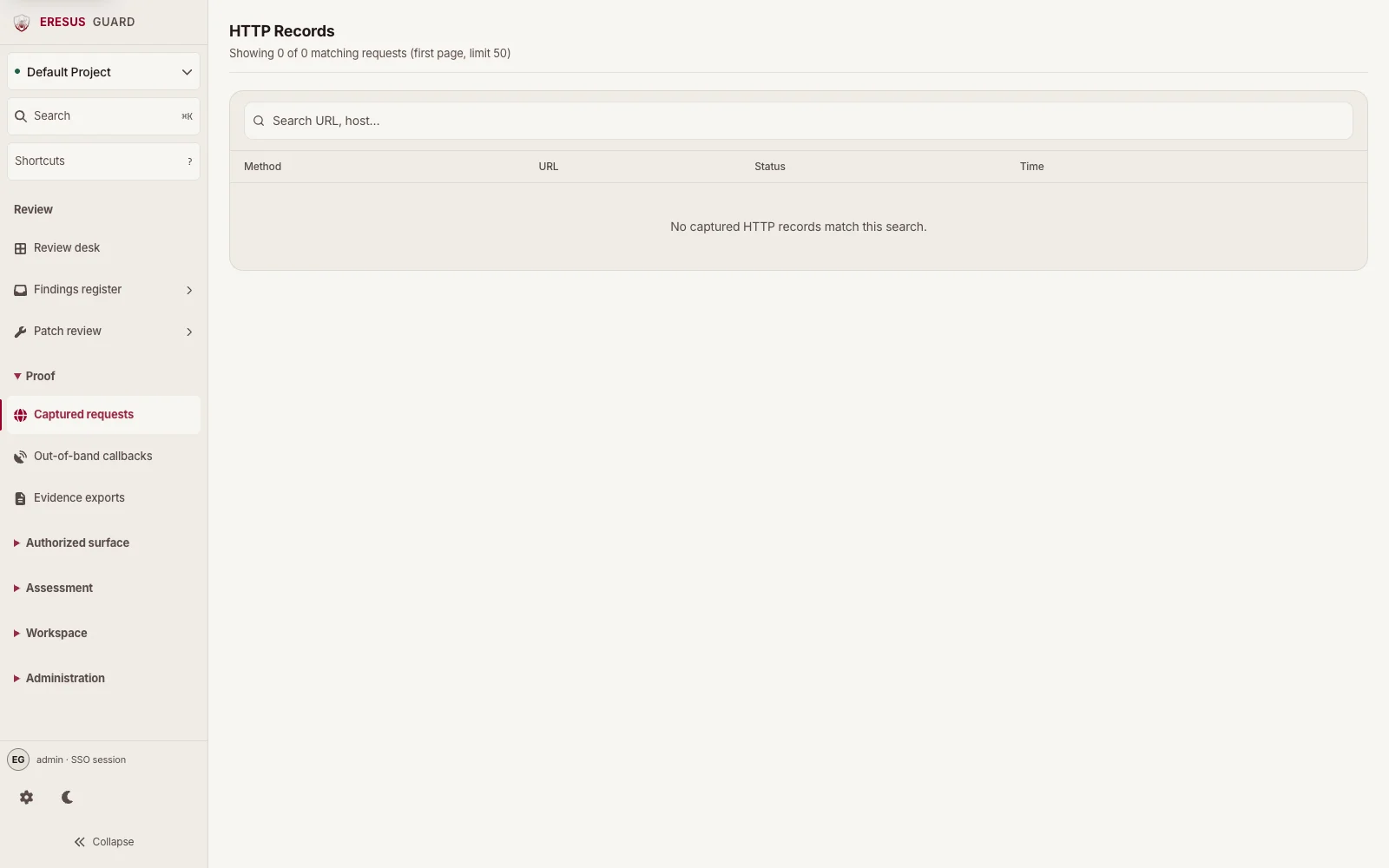
Workbench may redact sensitive values. Keep session material and production cookies out of tickets and exports.
#Review OAST Interactions
Open Out-of-band callbacks in the Proof group to review OAST Interactions. Check that the callback belongs to the same project and assessment as the finding before treating it as evidence.
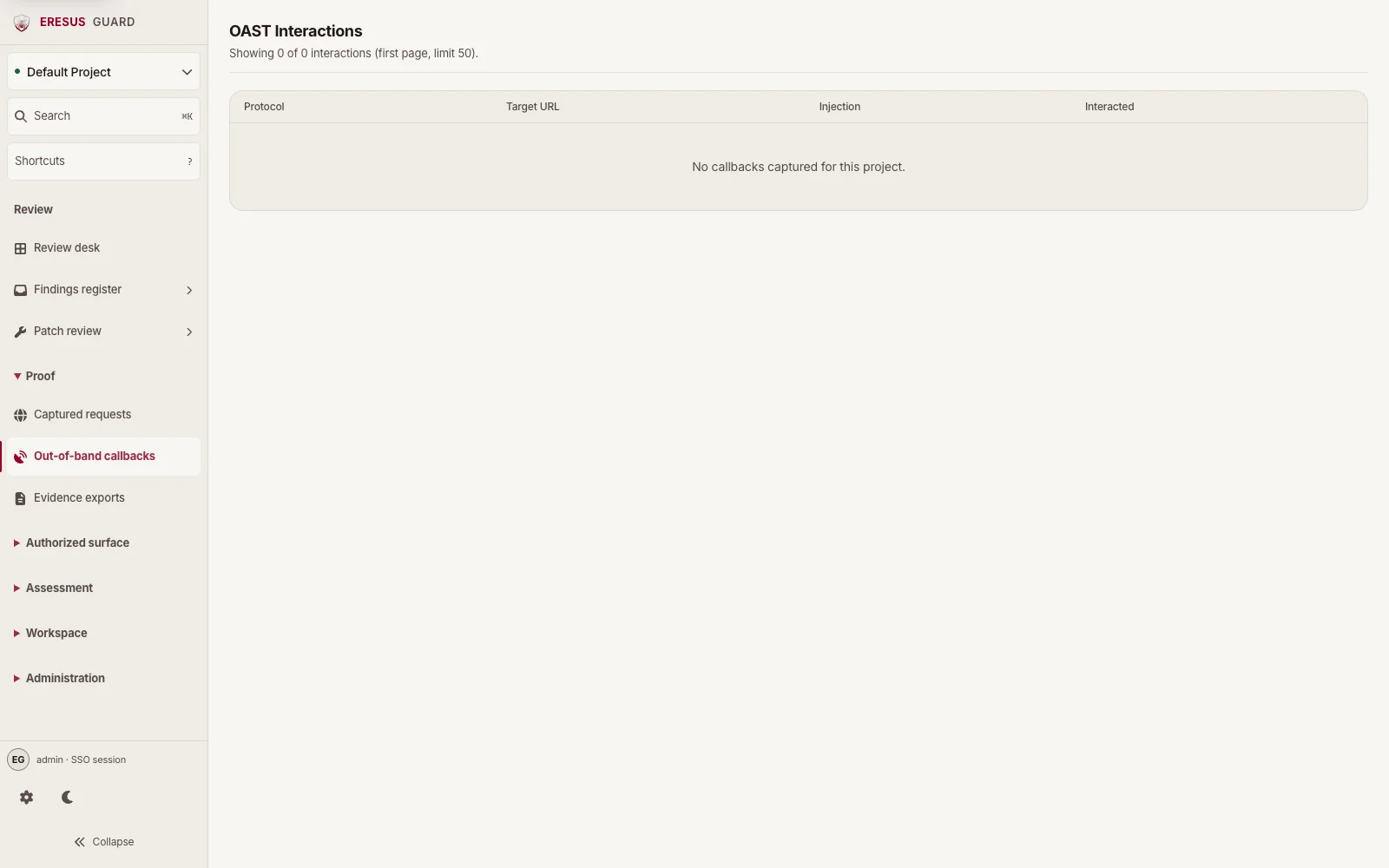
A callback that cannot be tied to the authorized assessment does not confirm a finding.
#Respond to evidence drift
Evidence drift indicates that a stored record may no longer match the finding context. Reopen the finding and its related HTTP Record or OAST callback, revalidate against the authorized target, then update the status. The signal does not determine whether the issue is valid.
#Related guides
Need a workflow that is not documented here? Email contact@eresussec.com.