Detection rules and scanner extensions
On this page
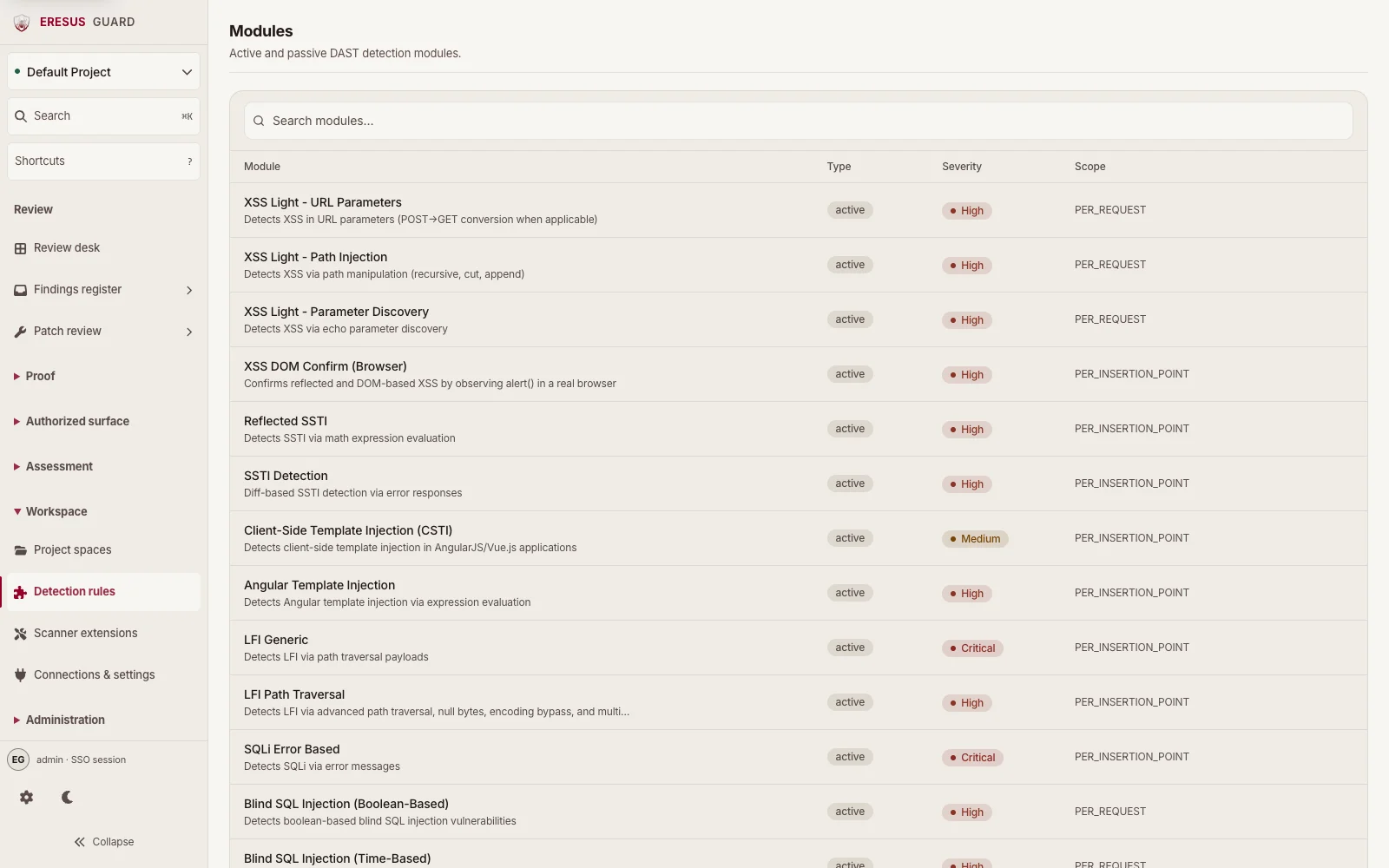
In Workbench, Detection rules opens the Modules catalog. Use it to inspect the active and passive DAST modules available on the server.
#Review the Modules catalog
Search by module name. Each row shows its type, severity, and reported scan scope. The catalog is for inspection; it does not start an assessment or select modules for a specific run. Use Assessment setup for the authorized target or repository workflow, then review run-specific results in Findings register.
If the module catalog is unavailable or your role cannot read it, ask a workspace administrator to check access.
#Scanner extensions are separate
Open Scanner extensions from the Workspace group to view the separate extension list. An extension appearing in that list is not proof that it ran in an assessment. Check the findings and evidence from the relevant project run.
#Related guides
Need a workflow that is not documented here? Email contact@eresussec.com.