Authenticated testing
On this page
Workbench can record test identity references and, when a credential vault is configured, store credentials against saved network assessments. The current standard DAST runner does not yet hydrate those stored credentials into requests. Do not treat a run as authenticated coverage based on a saved identity or credential record alone.
#Record approved test identities
In Assessment setup, use Test Users to record a name and principal for each approved role or tenant you intend to cover. This step is optional, accepts up to 16 references, and records planning details rather than an authenticated session.
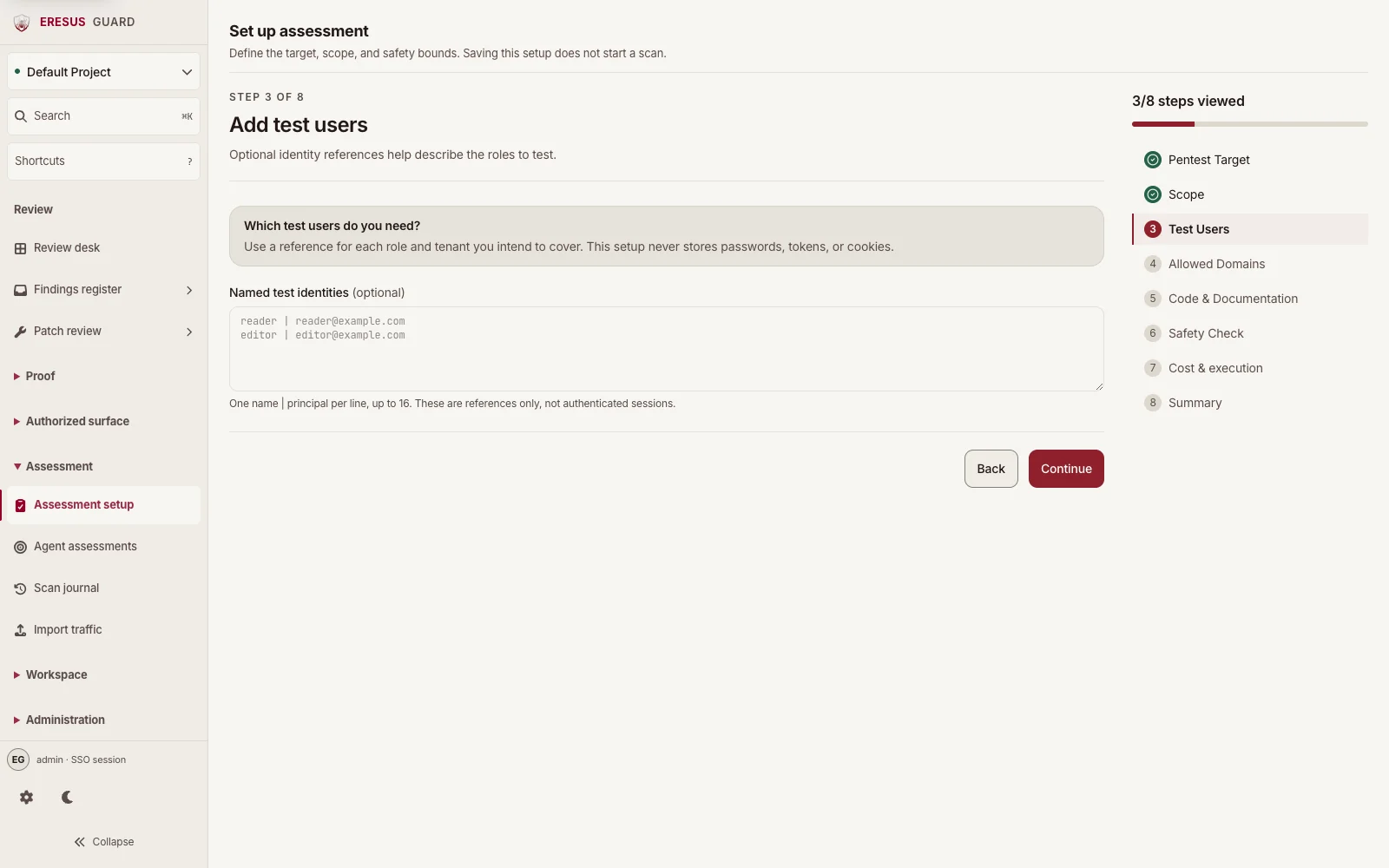
Use dedicated test identities approved by the target owner. Do not use personal accounts or paste production browser cookies into an assessment.
#Understand credential storage limits
After saving a network assessment, Workbench may offer a separate secure test-user credential control. With a configured vault and an operator or administrator session, you can attach a username/password, password plus TOTP, or API key to a saved role. The secret is not part of the Test Users reference itself.
The standard DAST runner does not currently send these stored credentials with requests. Storing one therefore does not enable authenticated route testing. If authenticated coverage is required, ask Eresus to confirm what is supported for your workspace before relying on a run as an authenticated test.
#Review evidence
Inspect the actual request and response in HTTP Records and any related OAST Interactions. Confirm the project, target, and identity context before changing a finding's status. An identity reference by itself does not prove which identity reached a route.
See Projects and scans and Findings and evidence.
Need a workflow that is not documented here? Email contact@eresussec.com.