API targets
On this page
This guide covers your APIs as authorized assessment targets. It does not describe a public Eresus Guard API. For programmatic access to Guard itself, see Programmatic access.
#Add an API definition or captured traffic
- Open the project that owns the approved API.
- Open Import traffic in the Assessment group. The page is titled Ingest.
- Select an input type shown in Workbench, such as HAR, OpenAPI, Postman, cURL, URL list, or raw request. Upload a file or paste the approved content.
- Review every server and host in the input. Remove embedded secrets before importing. A host listed in a specification is not automatically authorized for testing.
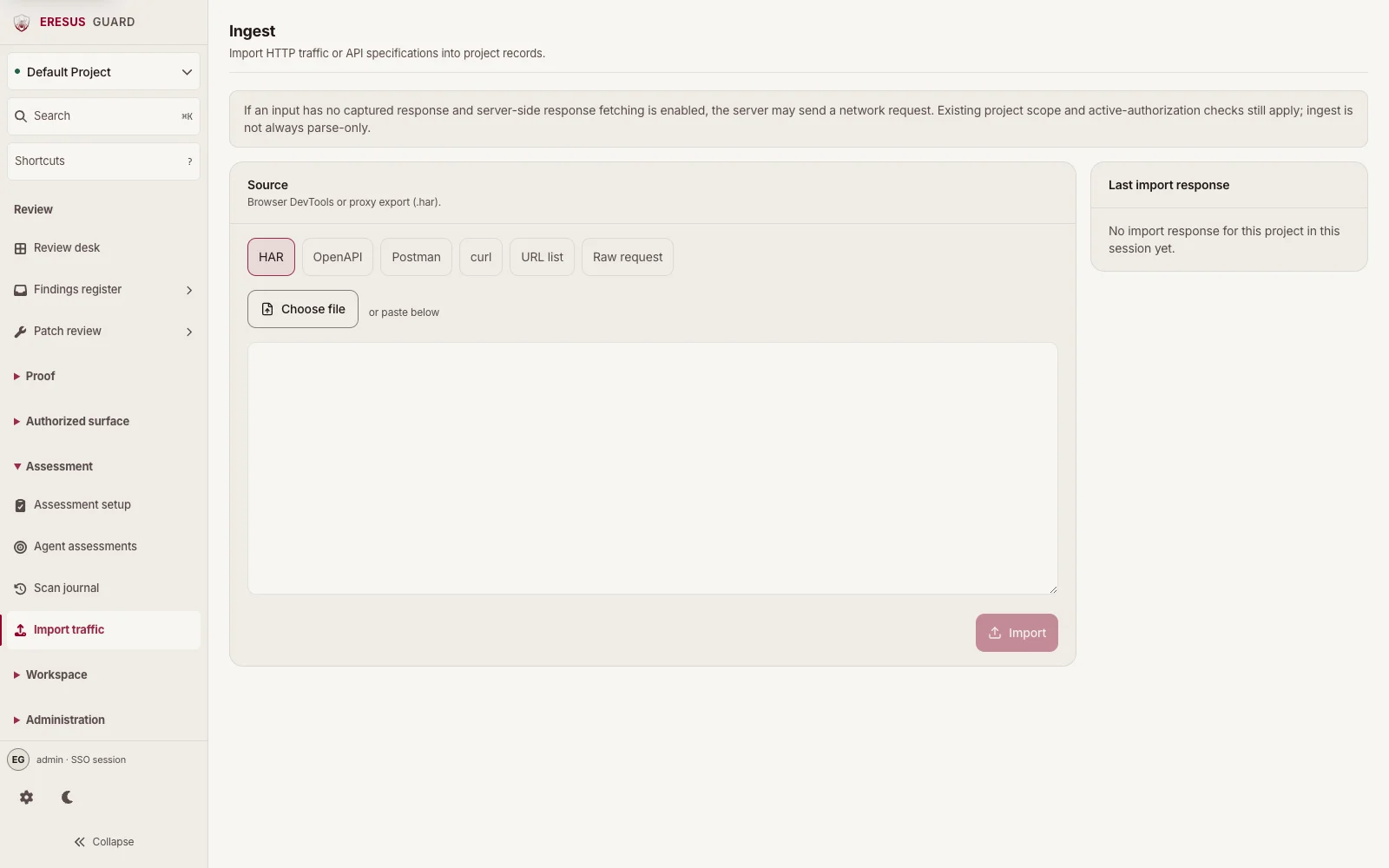
Ingest adds records to the project; it does not grant target authorization or start an assessment. If an input has no captured response and server-side response fetching is enabled, the server may send a network request. Ingest is not always parse-only, so review the input and project scope before submitting it.
#Set up an active API assessment
For a live target, open Assessment setup and select API endpoint. Use the reviewed REST or GraphQL origin covered by the project's existing authorization. Confirm included scope and exclusions, save the setup, then start the separate run action only after Workbench's current checks pass.
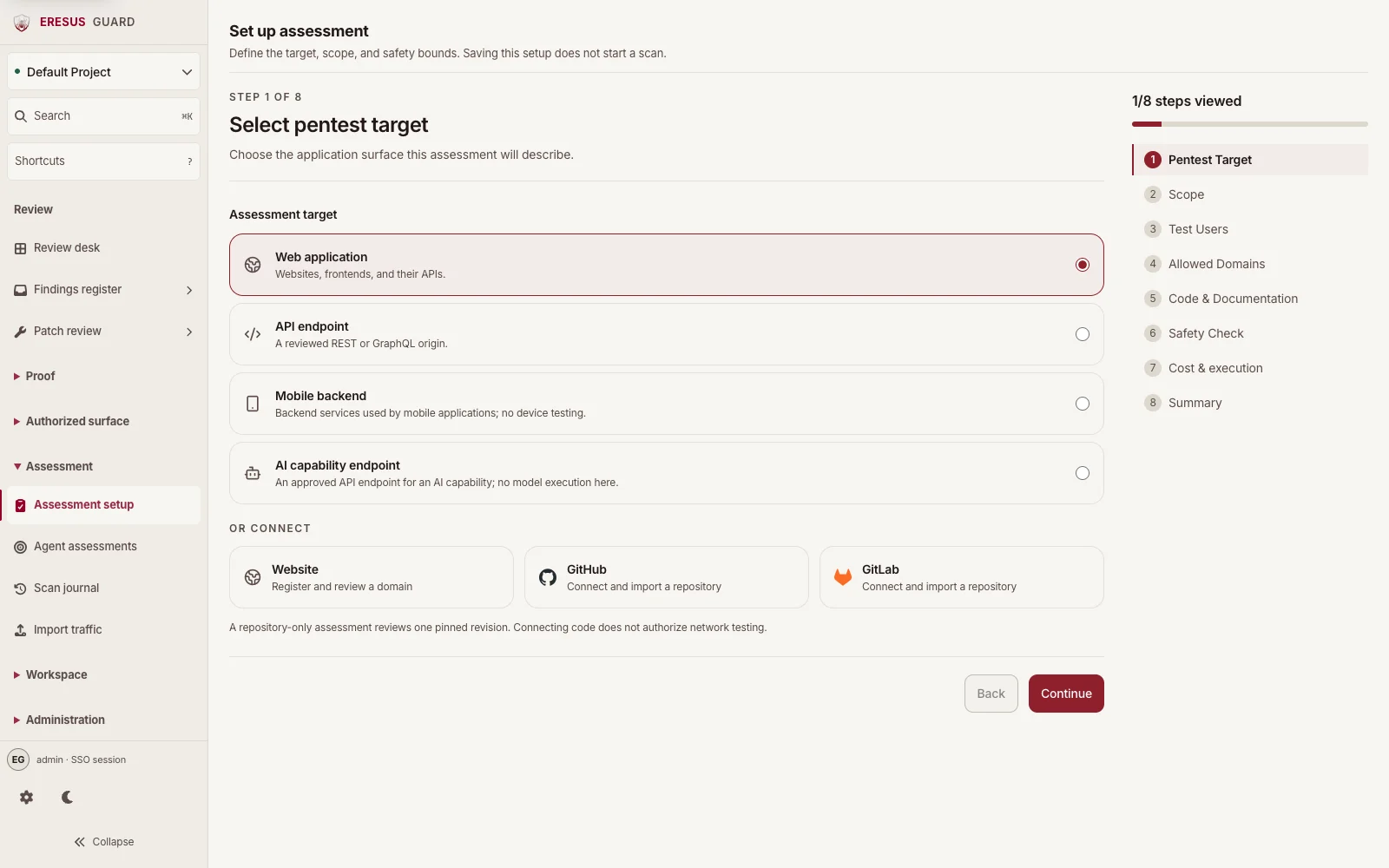
Follow the run in Scan journal. Review findings and supporting HTTP Records or OAST Interactions in the same project.
#Related guides
Need a workflow that is not documented here? Email contact@eresussec.com.