Review infrastructure definitions in project source.
IaC checks review authorized infrastructure and CI configuration files included with the project source.
Review saved runs in Scan journal.
Scan journal lists the project's scan records, finding counts, status, and start time. Open a finding to inspect the configuration source context.
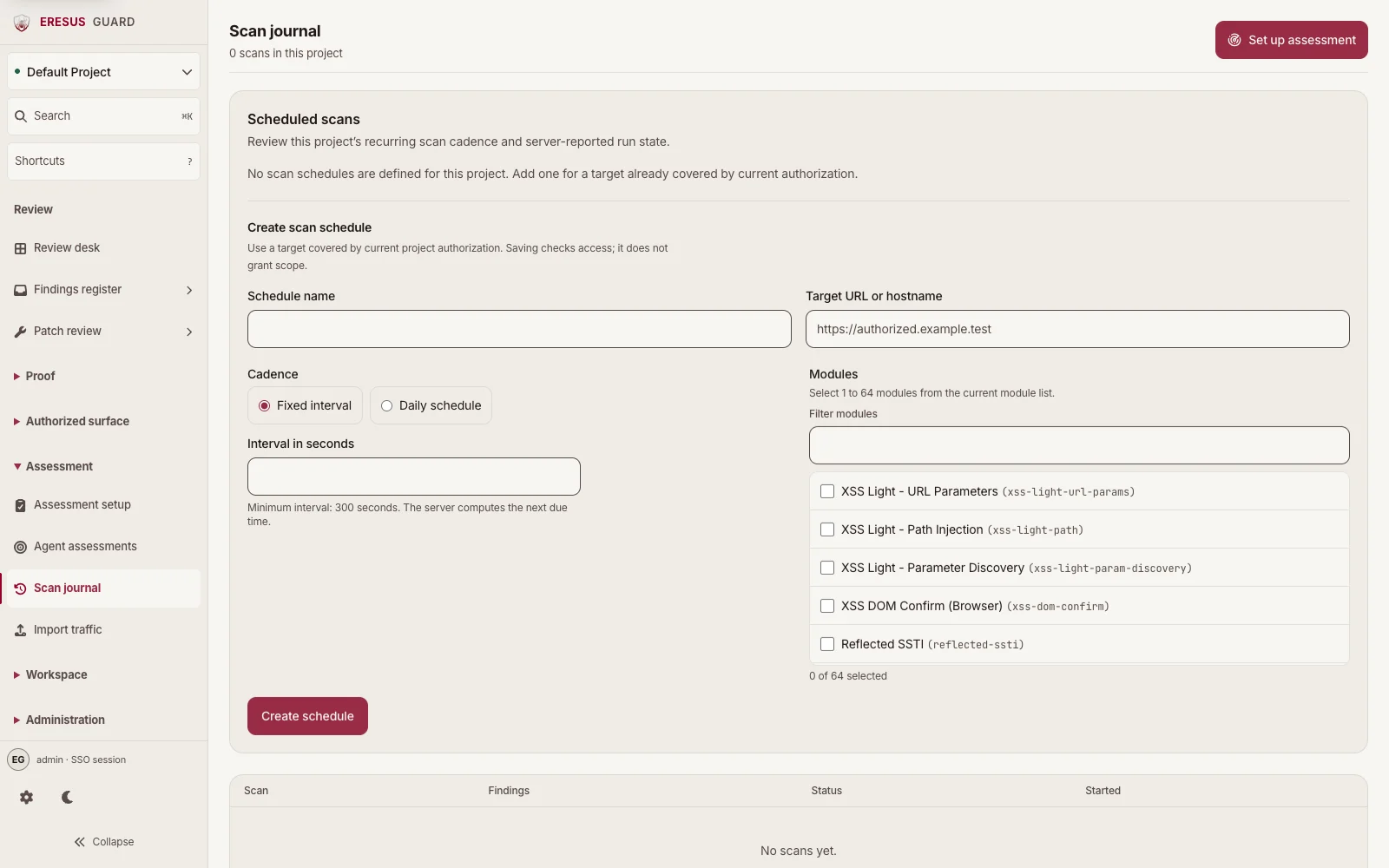
Review the finding detail before changing a definition.
Open a configuration finding to inspect its code location and supporting evidence before applying a change.
Three steps from approved scope to a reviewable result.
- 1
Provide authorized project source containing infrastructure or CI definitions.
- 2
Select the enabled infrastructure coverage in Workbench.
- 3
Review the source context before applying remediation.