Review credential findings in project context.
Secrets detection flags credential-like strings in authorized code, configuration, and project artifacts for review.
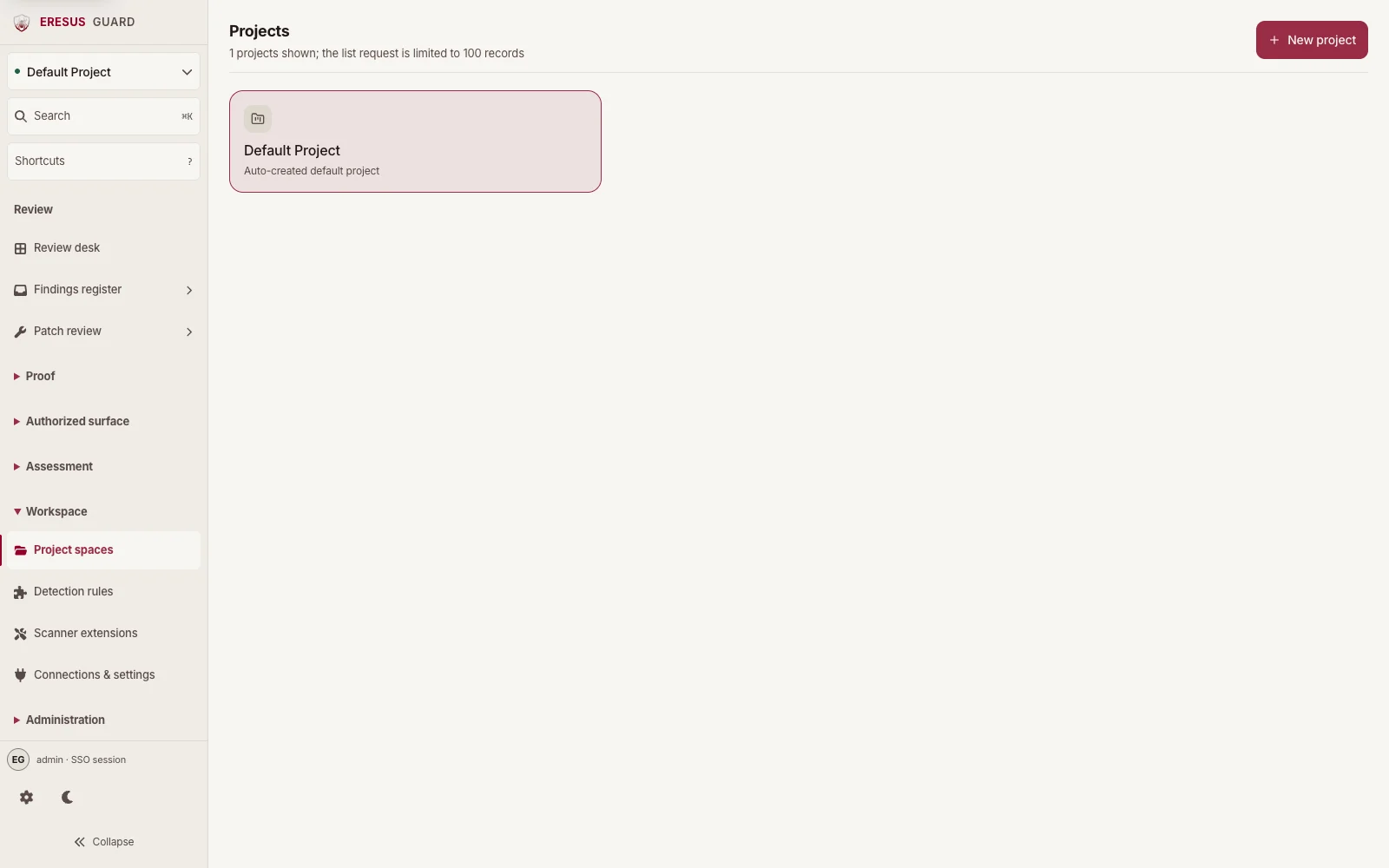
Choose a project in Projects before adding artifacts.
Projects lists the spaces that own source and assessment data. Select the project that will contain the authorized artifacts you plan to review.
Inspect a credential finding before remediation.
Open a finding to review its code location, additional evidence, and HTTP exchange with the owning team before rotating or revoking a suspected credential.
Three steps from approved scope to a reviewable result.
- 1
Provide the authorized project source and artifacts.
- 2
Run the selected secrets coverage in Workbench.
- 3
Review and remediate with the owning team before treating a match as impact.