Product overview

Eresus Guard is a cloud-first application security platform. The product you operate is Workbench.

Sign in at https://workbench.eresussec.com. If your organization does not have a workspace yet, request access.

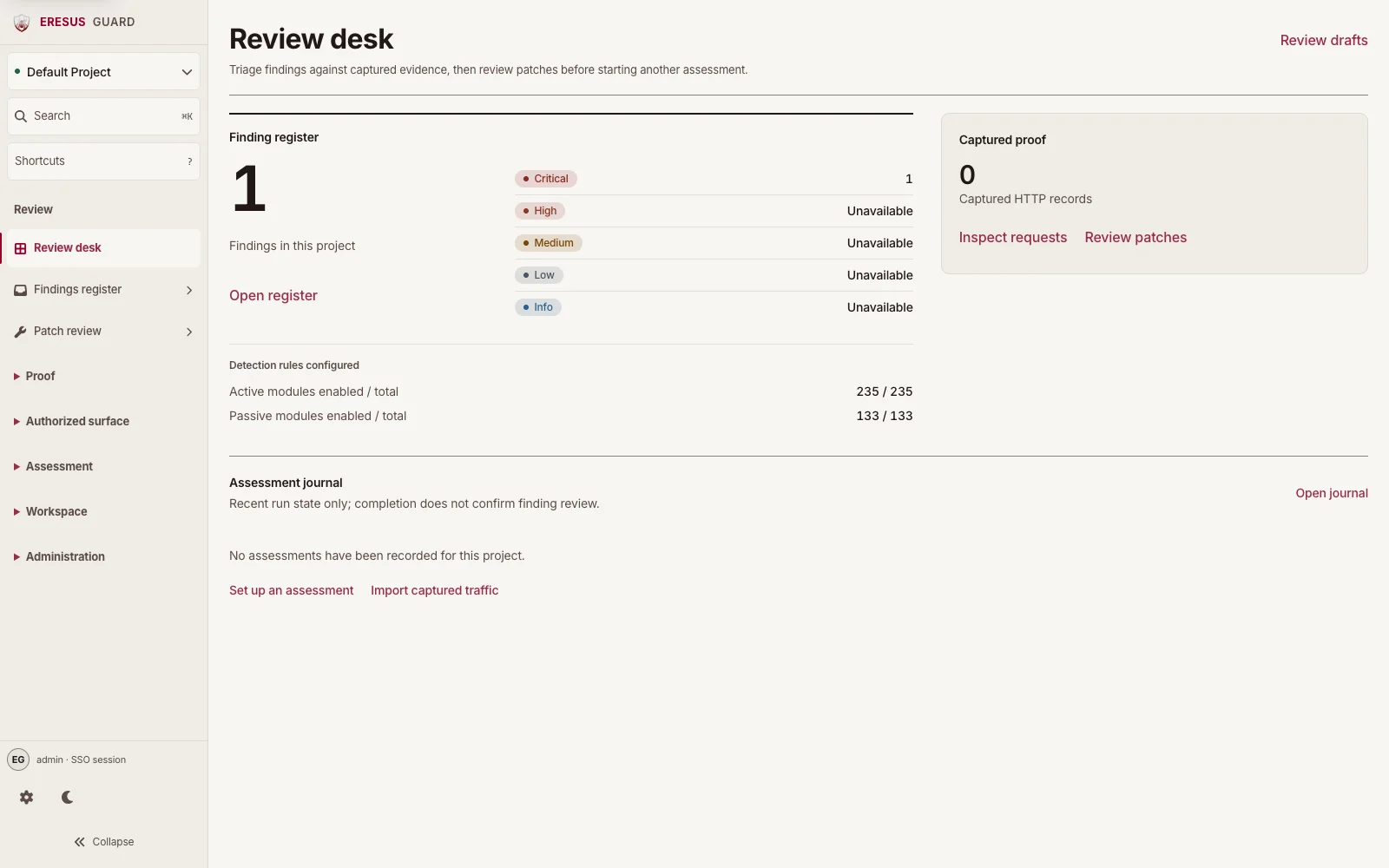
Workbench dashboard with risk posture, immediate actions, and latest findings

Workbench is where authorized assessments start, where findings are triaged, and where HTTP records and OAST callbacks stay attached to the project that owns the work. This marketing site is not the product. The CLI is not a scanner for Professional, Business, or Enterprise.

What you see after login

The first screen is the Dashboard for the current project.

Risk posture counts open evidence by severity: Critical, High, Medium, and all recorded findings. Those numbers are a queue, not a scorecard. Open Findings from there when you are ready to review.

Immediate actions appear when something needs a person: urgent findings, a running assessment, or captured OAST callbacks. Each row is a link into the matching surface, not a toast you dismiss.

Latest findings is a short table: Severity, Evidence, Module, Status, Observed. Open a row before you export it. A module name in a list is not a finished report.

If a scan is live, Assessment pipeline shows the current run (Scope, Context, Plan, Exercise, Verify, Proof) and how many records have been processed. Recent OAST callbacks lists out-of-band hits in the same project. A callback without a reviewed finding is not a conclusion.

How work is supposed to run

  1. Sign in. Password login is on every plan. SSO (OIDC/SAML) is an Enterprise capability, configured under Admin → Authentication.
  2. Open Projects. A project is the unit of ownership: targets, scans, findings, HTTP records, OAST, modules, and exports live there. A host discovered during a scan does not enlarge that boundary by itself.
  3. Start work from Assess: New Scan for authorized web/API DAST, SAST Scan for a pinned source snapshot, Ingest when the input is a URL list, cURL, OpenAPI, Postman, or captured HTTP. Active Scan is the live run. Scan History is the archive.
  4. Stay on Dashboard or Active Scan while the run is in progress. Pause or stop from Workbench if the target becomes unstable. If the tab drops, reconnect. Workbench restores the screen you were using.
  5. Triage in Investigate: Findings, HTTP Records, OAST, Plugins. Open the finding, then the request/response or callback that supports it. Do not escalate a row you have not opened.
  6. When the contract includes it, use Report (Reports, Trends, OWASP, Framework Map, SOC2 Evidence) and Administration (MSSP, Users & RBAC, Authentication, CI/CD Tokens, SLA, Web Analysis Engine, Configuration).

The authorization gate, metadata-IP blocking, and evidence-drift signals are product controls. They are not a pentest, and they are not a restore capability.

Coverage in the same workspace

The same project can hold:

  • Authorized DAST against approved web applications
  • API assessments from URLs, cURL, OpenAPI, Postman, or captured HTTP
  • Authenticated testing with dedicated test identities
  • Source analysis (SAST) on a repository or upload you authorized
  • SCA, IaC, and secrets review of that same source
  • Bounded agent follow-up that writes into the same evidence trail

Agent work is capped: authorization gate, fixed budget, at most eight concurrent agents, one replan hop. It does not replace native modules or operator review.

What stays out of the customer path

Professional, Business, and Enterprise do not onboarding-scan from eresus-guard scan. There is no interactive TUI product, no embedded Chromium in the main binary, and no offline or air-gapped license. MSSP may self-host and still licenses online.

The CLI is operational only: login, server, doctor, version. See CLI operations. This site does not publish a public API origin. Callers, when contracted, are issued with the workspace.

Guides

If you need toOpen
Sign in, SSO, reconnectLogin, SSO, and reconnect
Learn every Workbench areaWorkbench
Run the first authorized assessmentFirst authorized assessment
Install or repair the analysis engineWeb Analysis Engine
Review evidenceFindings, HTTP Records, and OAST
Compare plansPlans and licensing

The product and this documentation are English-first.

Need a workflow that is not documented here? Email contact@eresussec.com.