Dependency review starts with the package files you provide.
SCA reviews manifests and lockfiles from authorized project source. Workbench keeps dependency findings in the project inventory alongside other assessment results.
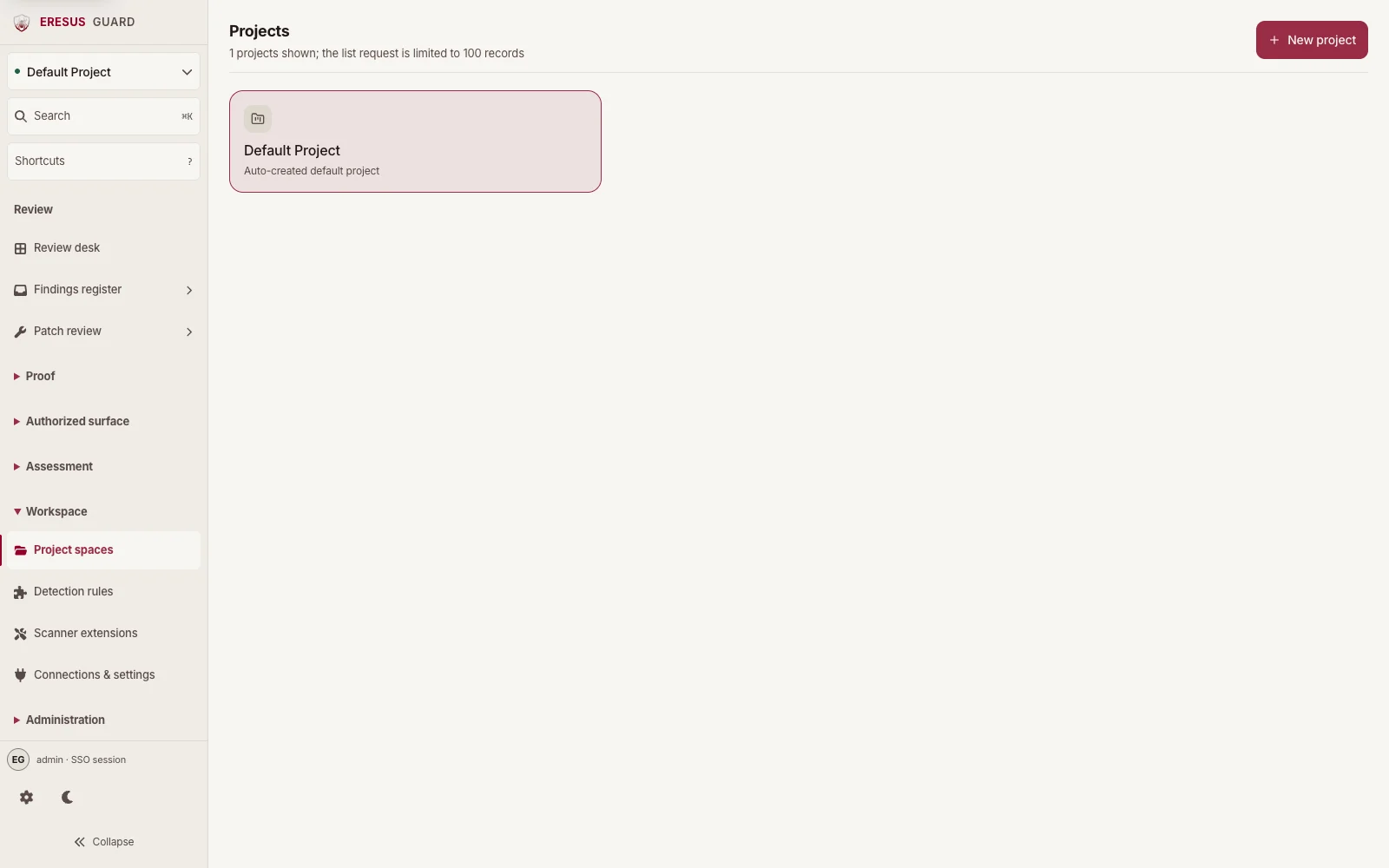
Choose the project that owns dependency review.
Projects shows the project spaces that hold assessment findings and source. Add the authorized source and its package metadata there before review.
Review a finding before remediation.
Open the finding detail to inspect its location, evidence, and linked HTTP exchange before deciding on remediation or export.
Three steps from approved scope to a reviewable result.
- 1
Add the authorized source with its package metadata.
- 2
Run selected project coverage in Workbench.
- 3
Review the component context before remediation or export.