An Eresus Guard Project ties an assessment to its authorization, approved targets, and owner. It keeps scans, findings, HTTP Records, OAST callbacks, and exports together so reviewers can trace a result to the project that produced it. Add each asset deliberately, and use the project history to review repeat runs.
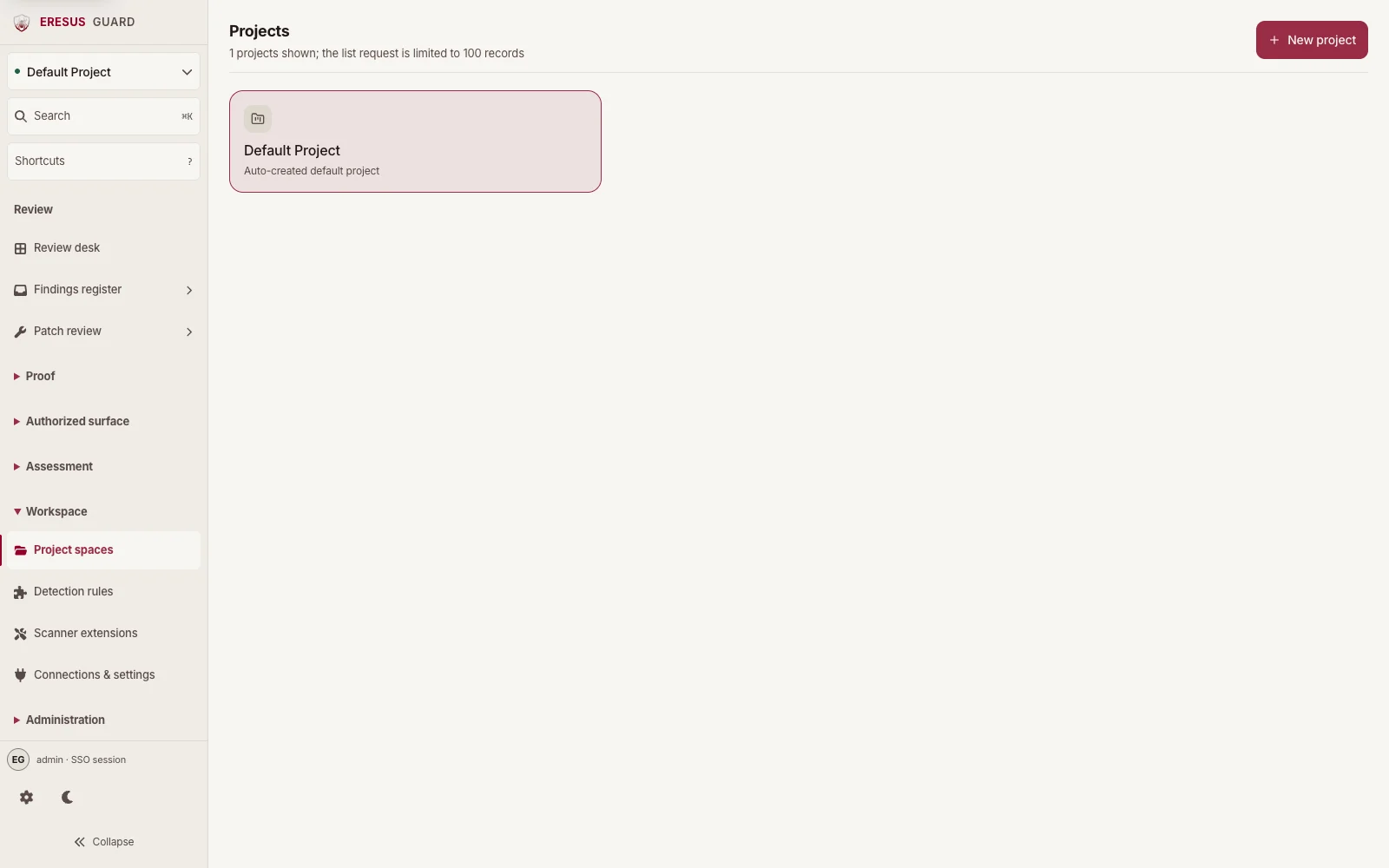
Scans, findings, HTTP Records, and scope stay with the project used for an assessment.
Why does an assessment need a Project?
A Project connects the target to its authorization, constraints, and owner. Use the description to record the authorization reference, such as a ticket, signed scope document, or email thread.
Workbench keeps findings, Scan journal entries, HTTP Records, and OAST interactions attached to the project where they came from. Switching projects shows a separate set of evidence for that project.
How does a Project define scope?
Add only the assets covered by the Project’s authorization. A discovered host, subdomain, or route is an observation. Add it to the project before testing it.
Apply the same review to imported sources. OpenAPI documents and Postman collections can list additional server URLs, so select only the hosts covered by the authorization. The ingest guide explains how to review imported inputs.
Why start with staging before repeating a run?
Use staging to check authentication, request pacing, and traffic behavior before assessing production. When production is explicitly authorized, keep the assessment within the approved scope.
After the first run, use the same project for later assessments. Review previous runs in Scan journal and keep any new run within the current authorization.
How do you get started?
Open Project spaces to reach the Projects page. Create a project named for the authorization, then add only approved assets. Follow your first assessment or read Access and onboarding.