Test authenticated paths with approved identities.
Configure cookie, Basic, Bearer, or custom-header authentication in Eresus Workbench before an authorized assessment runs.
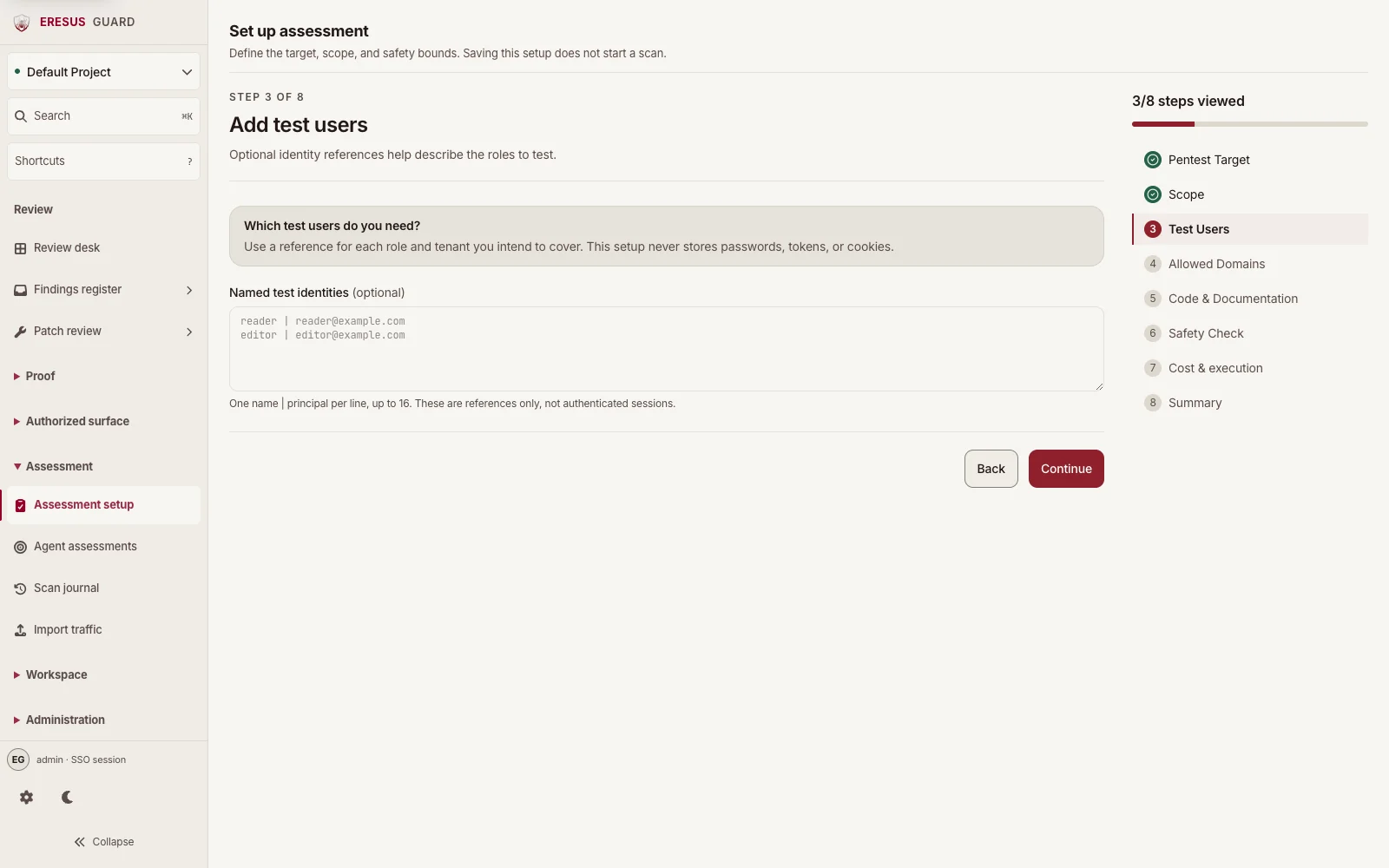
Record test identities in Assessment setup.
Add optional identity references for the roles the assessment will cover in the Test Users step.
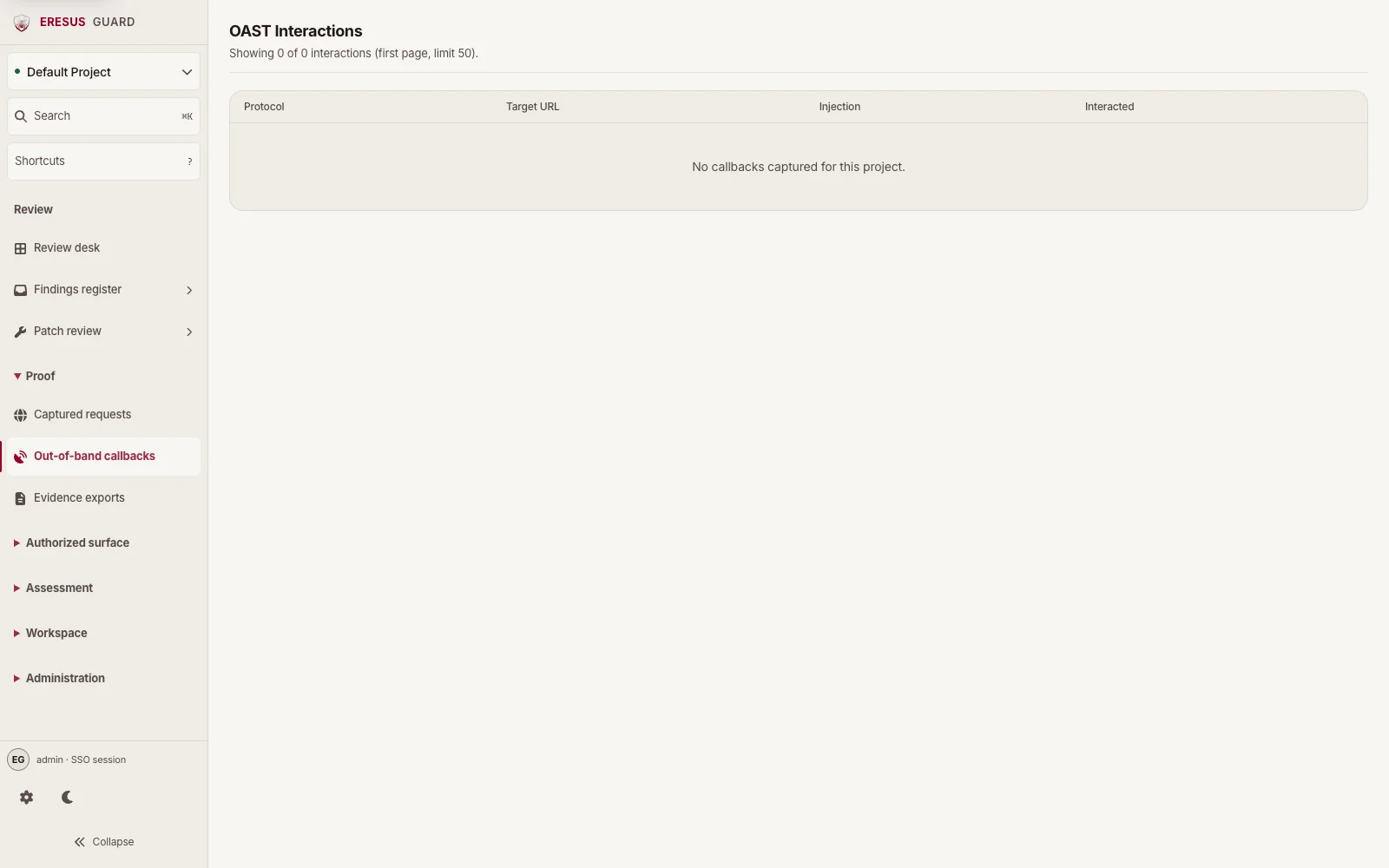
Review callbacks in OAST Interactions.
OAST Interactions lists each callback protocol, target URL, injection type, and interaction time. Review the callback alongside the related HTTP record and finding before planning remediation.
Three steps from approved scope to a reviewable result.
- 1
Confirm authorization for the project and target.
- 2
Configure cookie, Basic, Bearer, or custom-header authentication.
- 3
Inspect evidence, remediate the route, and retest the stored record.